What this session covers
By the end, you'll be able to:
- Slow any song down without changing its pitch
- Loop a specific section so it repeats automatically while you drill it
- Jump straight to a verse, chorus, or bridge without hunting for it
- Push the tempo past full speed to make your target tempo feel easier
- Combine loops, speed changes, and a count-in into one practice routine
Lower the tempo
Playback speed can be reduced without affecting the pitch, so a slowed-down passage is still the same notes in the same key, just easier to follow.
How to do it
- Open the tempo controls in the player.
- Drag the speed slider down to a tempo you can comfortably follow.
- Play the section back at the reduced speed while you play along.
Why it matters
Because pitch stays locked to the original song’s key, the passage sounds musically correct even at a lower tempo, rather than warped or pitched down.
Learn more about this feature
Loop the section
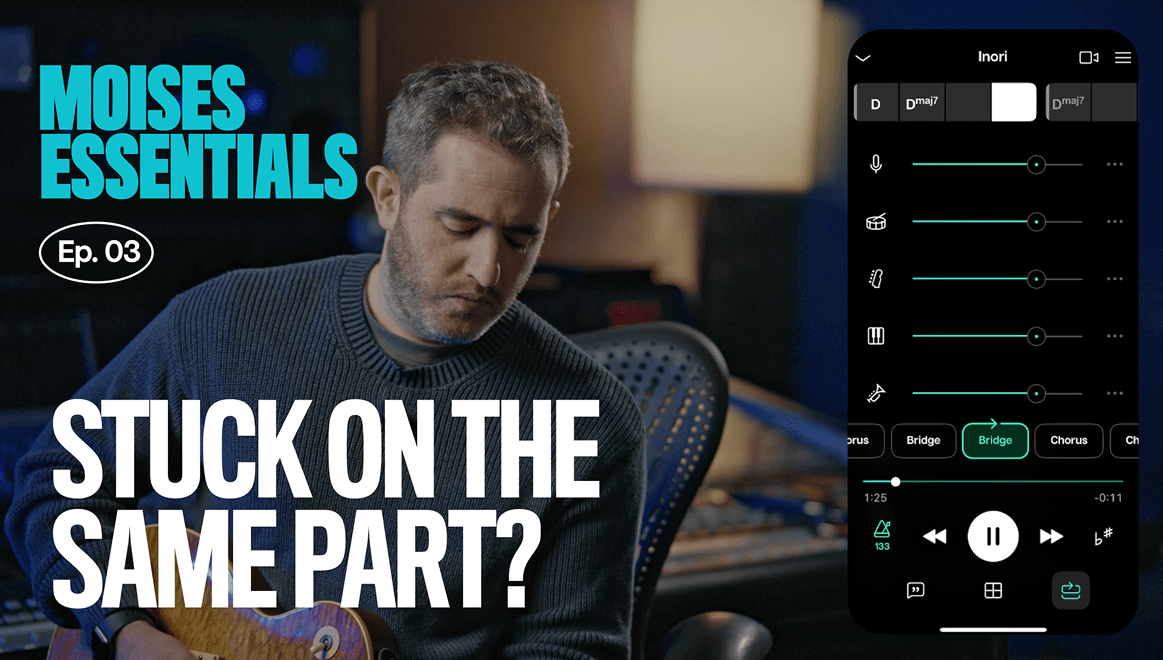
A loop marker can be set around any part of the track, so it repeats continuously instead of playing through to the end. This will allow you to quickly repeat the section you’re working on and complete more repetitions in less time.
How to do it
- Click on the song section button on the bottom right.
- Tap the section once and then hit play and it will loop that section until you pause the song.
- You can select multiple sections to loop all of them back to back.
Why it matters
Looping allows you to quickly repeat the section you’re working on and complete more repetitions in less time.
Find the section you want to learn
Before slowing anything down, it helps to locate the exact passage that’s giving you trouble. Moises automatically detects a song’s structure, so you can jump straight to a verse, chorus, or solo instead of searching through the whole track.
How to do it
- Open a track that has already been processed in your library.
- Open the song sections view to see the detected structure.
- Tap the section you want to focus on to jump there directly.
Why it matters
Jumping straight to the part you’re practicing saves time and frustration trying to find the exact part you want to start at each time.
Learn more about this feature
Speed up a song past full tempo
Slowing down a song is helpful to learn a difficult riff or chord progression, but speeding a song up past its normal tempo is a useful exercise too. Pushing the speed faster than the original tempo, learning to play at the faster tempo, then bringing it back down will make the original tempo feel much easier to play.
How to do it
- Tap the Smart Metronome button on the app.
- Press the + sign or drag the tempo slider up above the original tempo.
- Practice your part at the faster tempo for a while.
- Lower the speed back to the original tempo of the song and play again to notice how much easier it is.
Why it matters
Practicing past your target speed makes the target speed feel easier once you return to it. It's discomfort with a purpose.
Combine loops, speed, and count-in to practice
Now pull it all together. Add a count-in, start at a slower tempo, run a few rounds at that slow speed, then push the tempo up a little at a time: a bit faster, then a bit faster again, up to around 90%, then to 100%. That's the whole routine: slow the music down, loop it, and build it back up slowly. Once you reach your final tempo and it feels comfortable, you can push past it again to make it feel even easier.
How to do it
- Click the three dots in the top right of the app, select “Count in,” and move the slider to choose your desired count in beats.
- Reduce the tempo with the metronome control.
- Select the section you want to loop.
- Practice a few repetitions then gradually increase the tempo slider.
- Hold each speed until it feels comfortable before moving to the next, working up toward 100% and beyond if you want it to feel easier.
Why it matters
This is the full practice routine, not just one feature. Slow it down, loop it, build it back up, and the part that felt impossible becomes automatic.