Play along with the actual record, not a backing track.
Backing tracks never sound like the real thing. Moises separates the original recording into stems right away, so you're listening to the music you love, minus the part you're about to play.
Introducing Moises Studio: The simplest way to make music togetherIntroducing Moises Studio: The simplest way to make music together
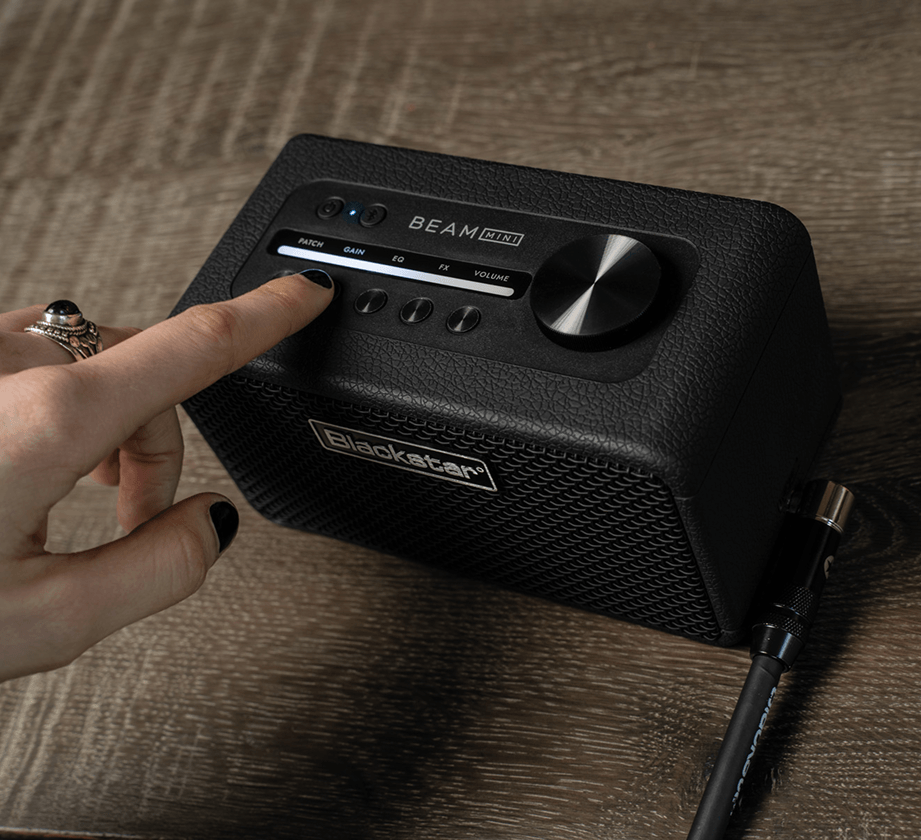
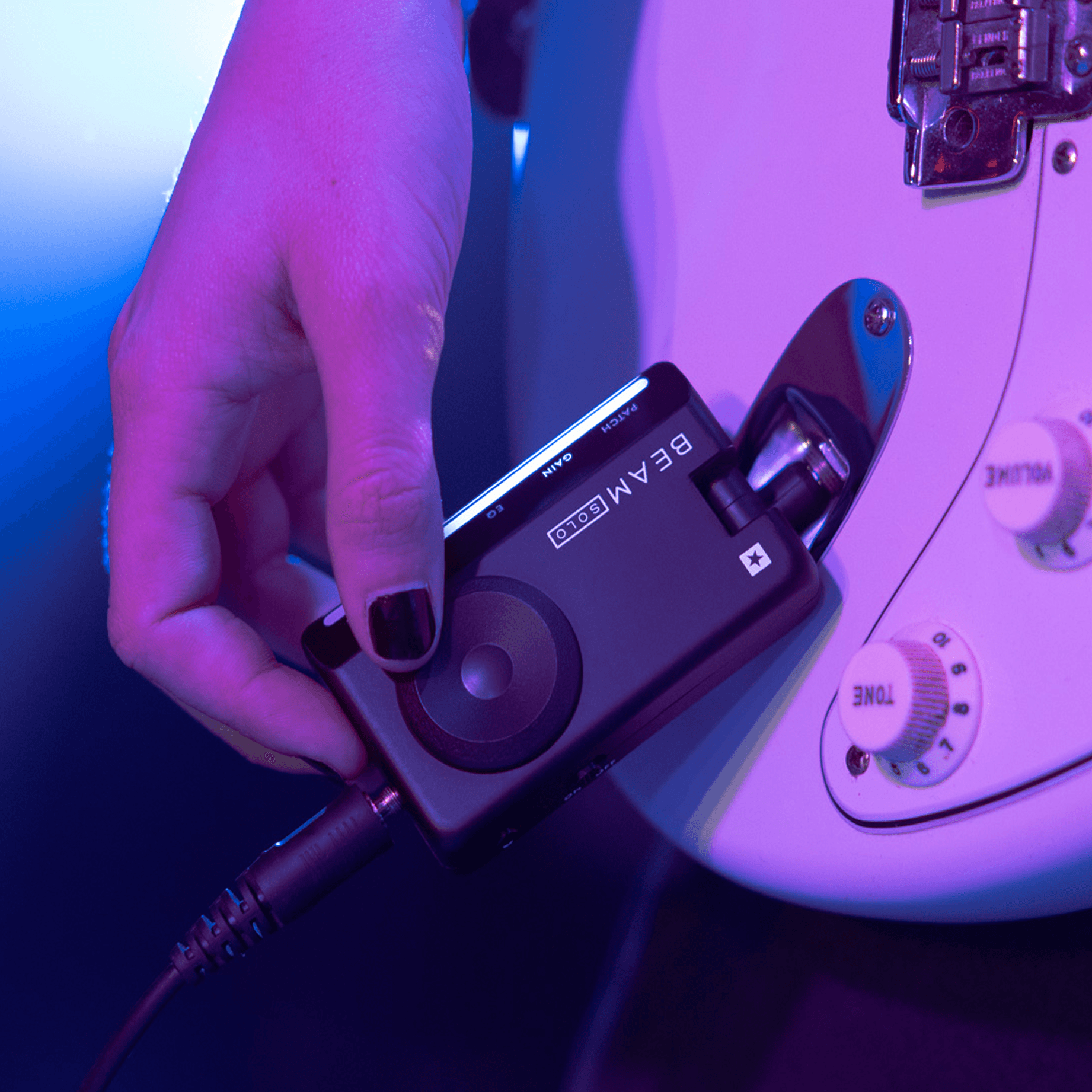
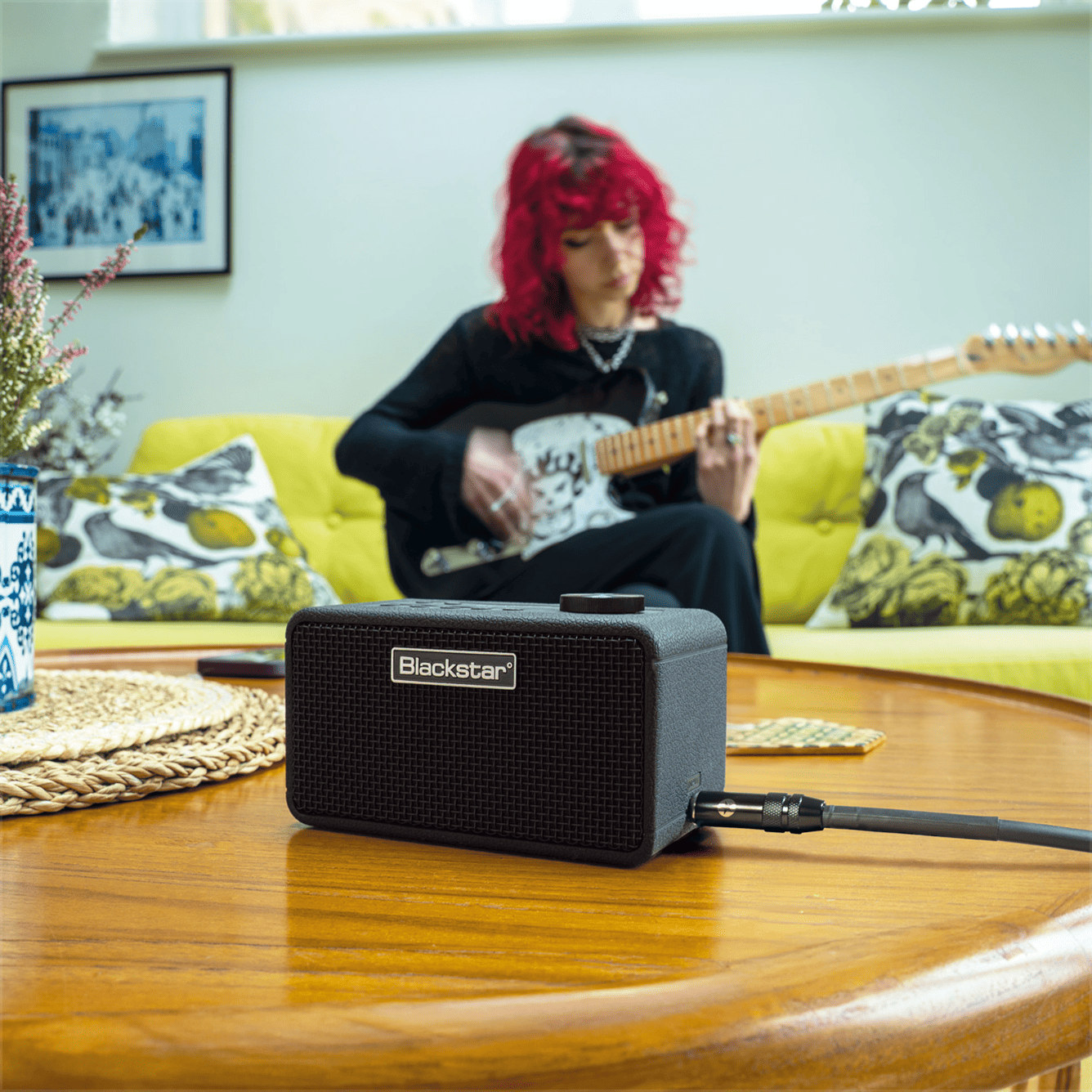
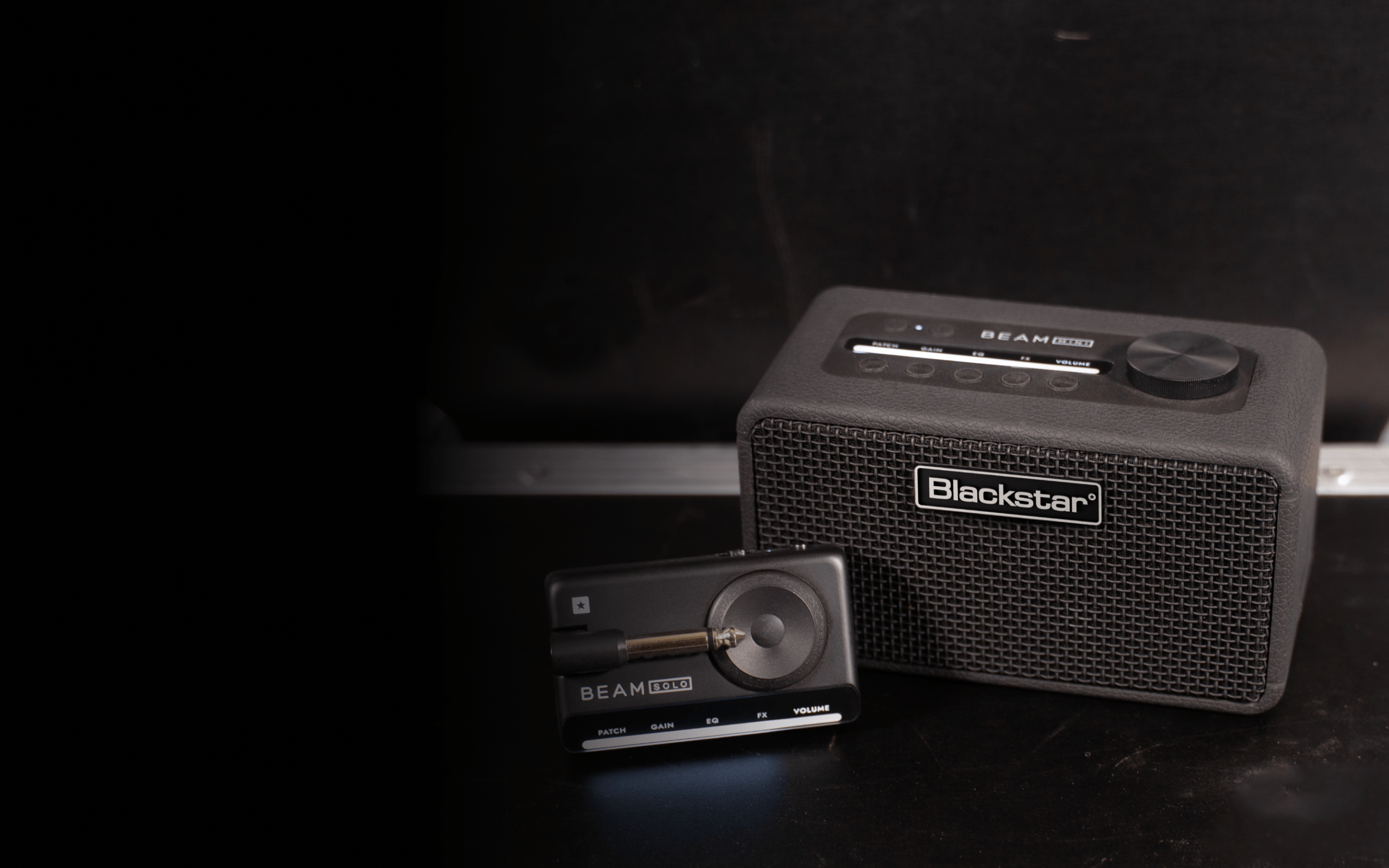
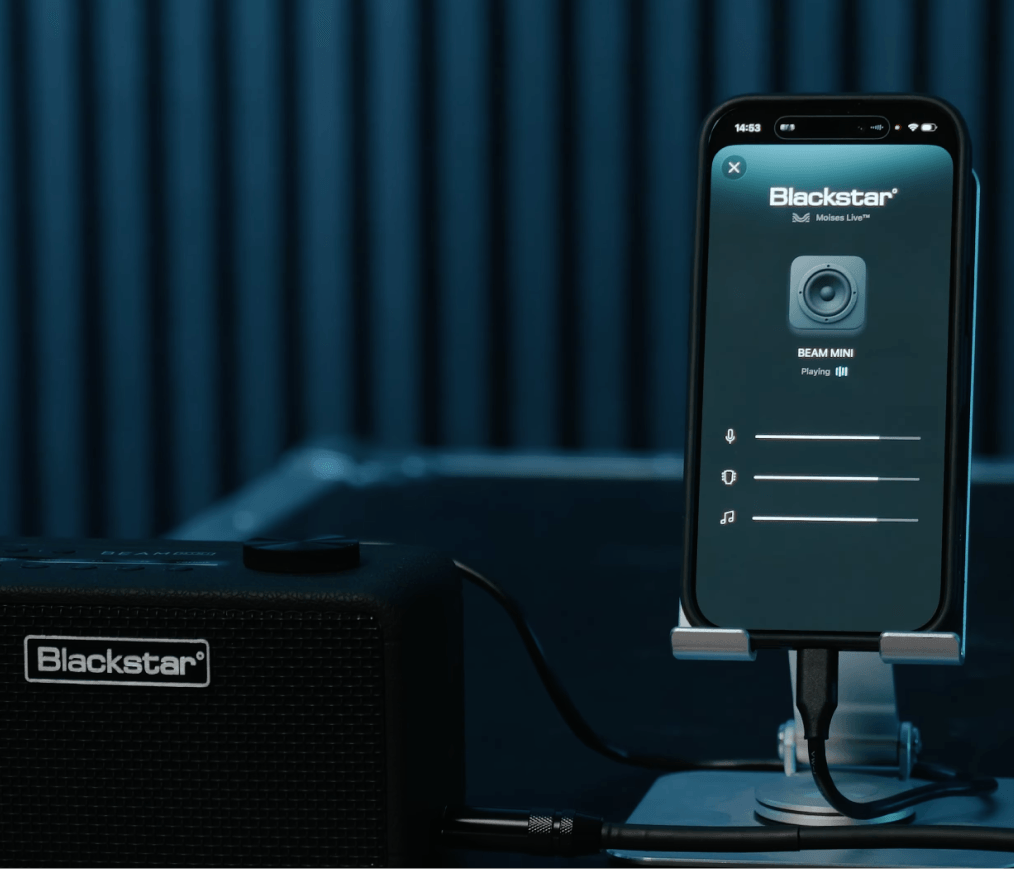
Plug your phone into your Blackstar Beam Mini or Beam Solo with a USB-C cable and take control of the music. Mute the guitar and play the part yourself. Lower the vocals and lock in with the band. It all happens in real time, on your phone.
How it works
Backing tracks never sound like the real thing. Moises separates the original recording into stems right away, so you're listening to the music you love, minus the part you're about to play.
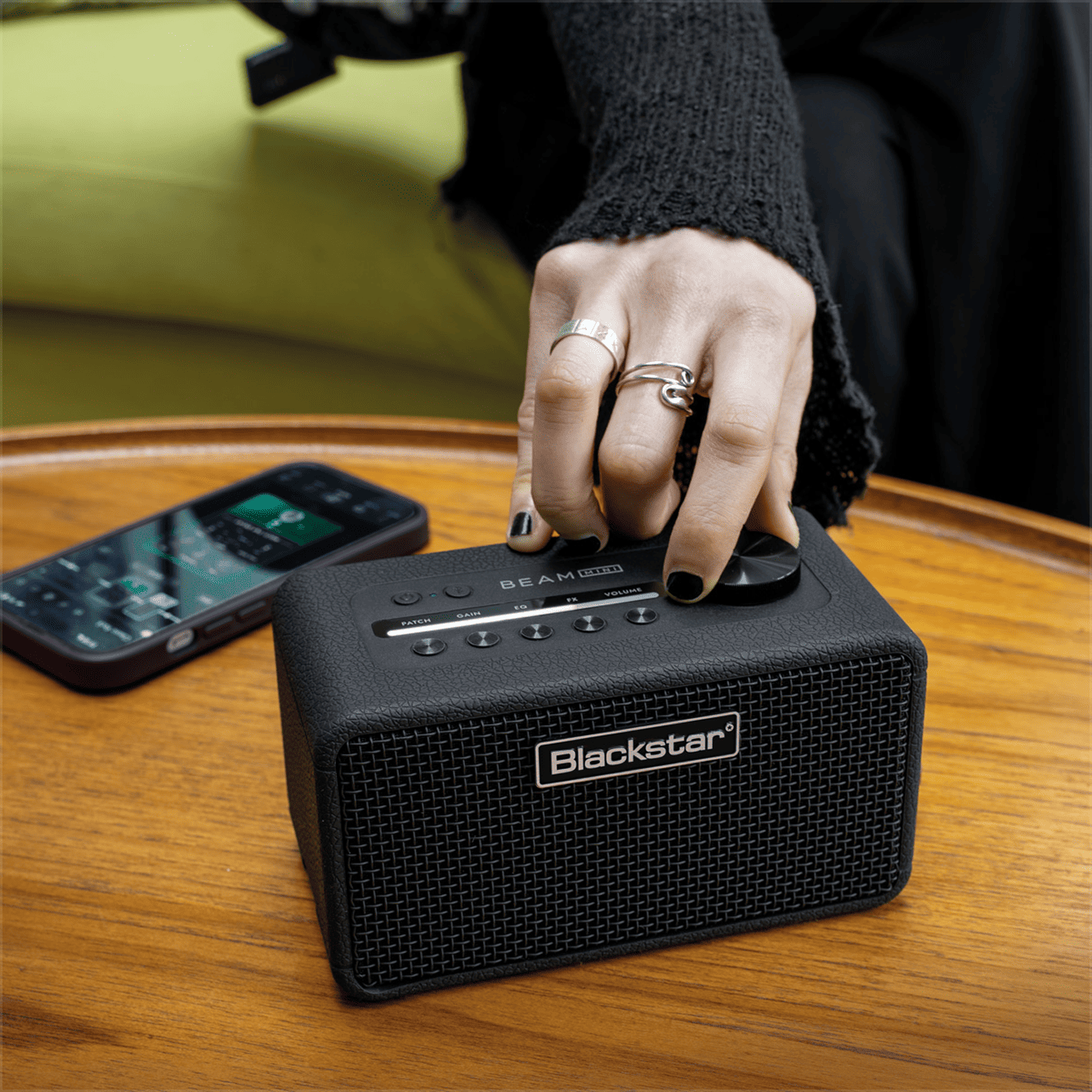
Stem separation happens right on your phone. Stored audio can be separated offline. Open the Moises app and go.
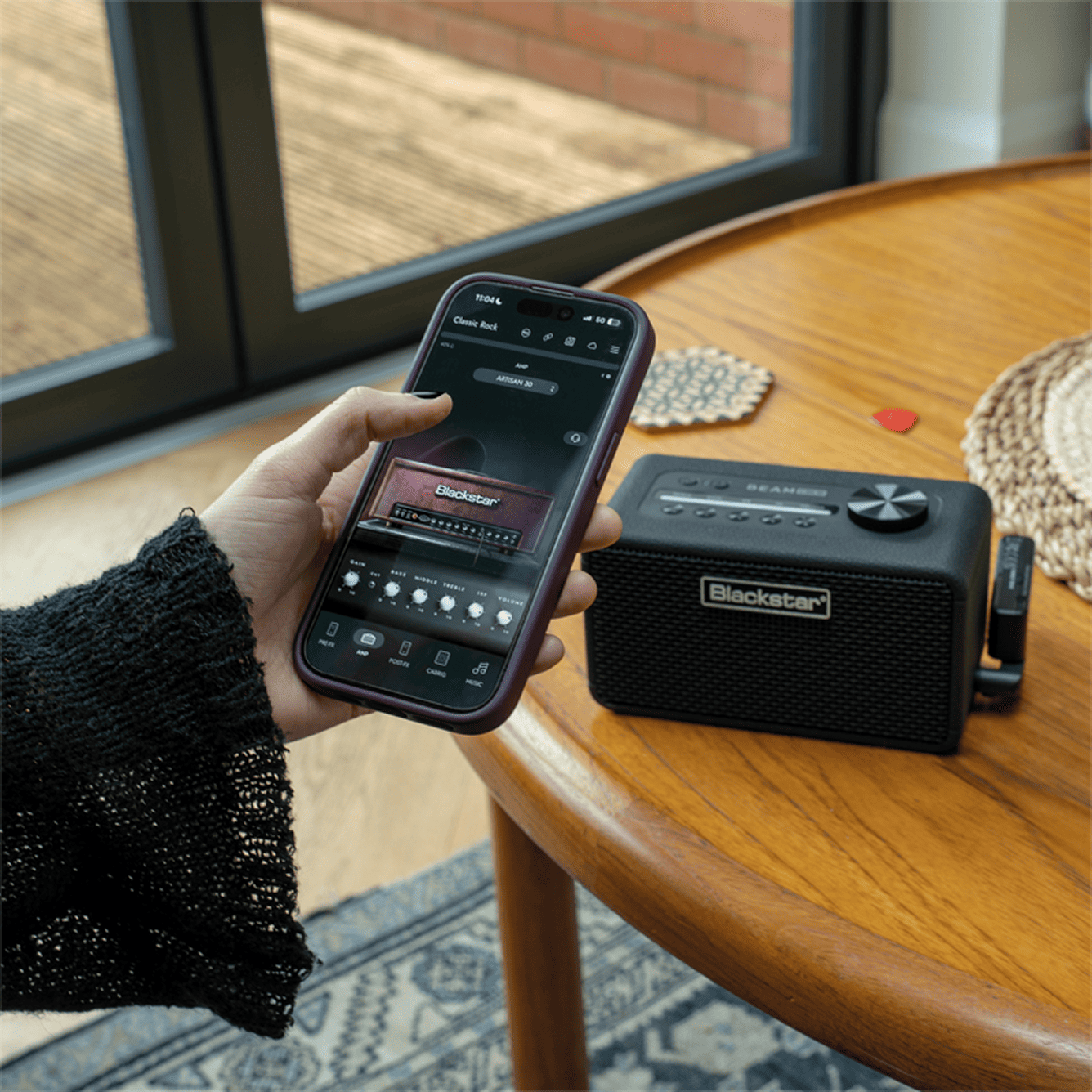
No need to upload the track to your Moises library. Play music on whatever app works for you. Just open Moises when you’re ready to adjust the stems.
See for yourself how Moises connects to create a whole new listening and practice experience.
Works with Moises
"Works with Moises" gear connects directly to your phone and uses Moises technology to give you detailed control over all the stems playing through your equipment.
Plug your iPhone or iPad into your Beam Mini or Beam Solo with a USB-C cable and open up the Moises app. You’ll see a little special Blackstar Amps logo on your screen. Tap the logo to start adjusting the volumes of the stems playing through the amp. You can also open the stems from inside the Blackstar app by tapping on the Moises logo.
Right now, you can adjust volumes for Guitar, Vocals, and Other (our term for all other audio in the track) while connected to your Beam Mini or Beam Solo.
If you don’t have the Moises app, you’ll need a connection to download it, but if you’re already set up, it won’t require an internet connection to play audio that’s already stored on your phone.
Currently, the integration is only available on iOS, but it's coming to select Android devices on October 19.
Anyone with either a Beam Mini or Beam Solo and the Moises app can try the integration, but there are benefits to being a paid Moises subscriber. Free users can fully adjust guitar stems or isolate the guitar completely, but won’t be able to lower the volume of other stems below 25%. Anyone with a Pro or Premium Moises subscription can enjoy the full functionality.