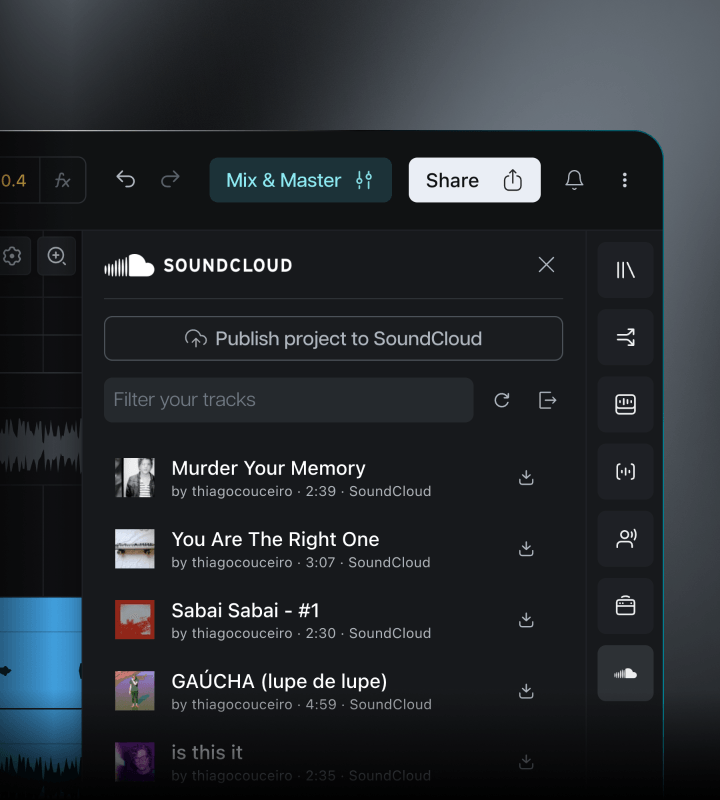

Finally finish the songs sitting in your SoundCloud.
Open your SoundCloud tracks right in Moises. Rework them in Studio and send finished mixes back, or pull them apart in the mobile app to mute instruments and practice along.
Introducing Moises Studio: The simplest way to make music togetherIntroducing Moises Studio: The simplest way to make music together
Open your SoundCloud tracks right in Moises. Rework them in Studio and send finished mixes back, or pull them apart in the mobile app to mute instruments and practice along.
How it works
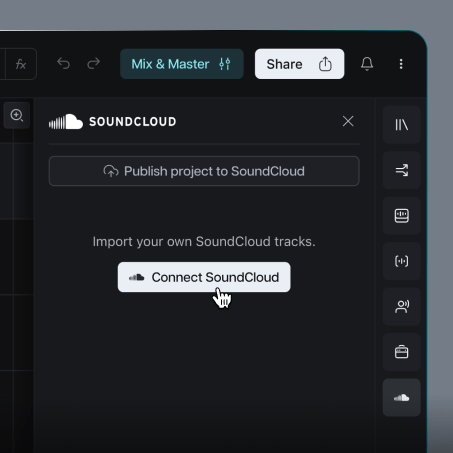
Click on the SoundCloud icon and log in to your account right inside Moises.
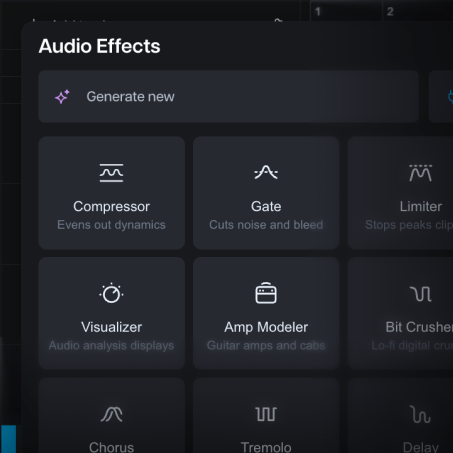
Drag and drop tracks from your SoundCloud, just like you would in your Studio library.
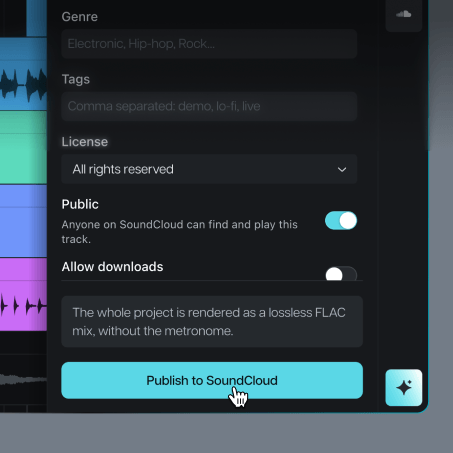
Reupload your music back to SoundCloud, all without ever leaving Moises.
Benefits
Bring old ideas back to life with a suite of tools to split stems, add effects, and try new instrumentals.
Collaborate with other musicians in real time from your browser, without the friction of a traditional DAW.
Share your music on SoundCloud, distribute to 50+ streaming platforms, find new listeners, and promote your tracks.
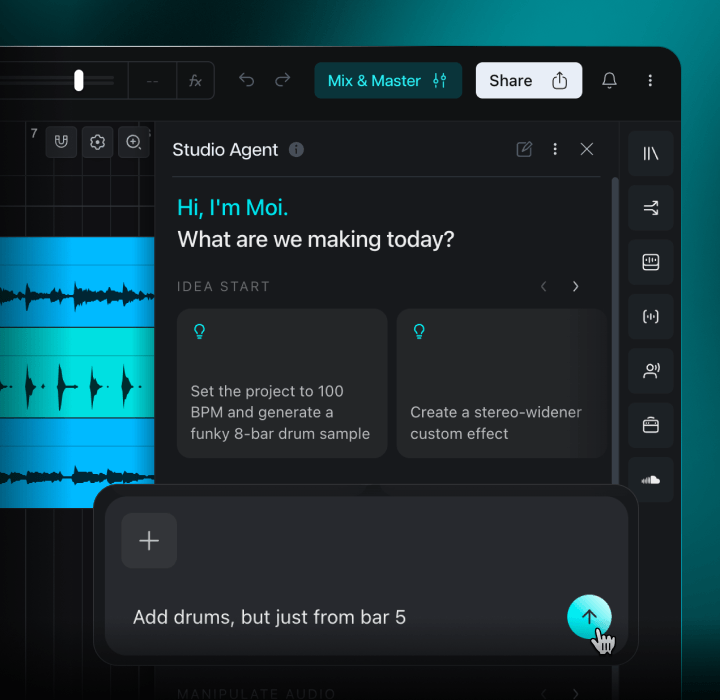
Meet Moi, your new co-producer
Moi is your digital co-producer. It can use Studio’s tools for you, or help teach you how.
Bring in old music and create something new.
No. Moises only trains its models on licensed materials with full permission from the rights holders.
No. If you aren’t sure where to find something, just ask Moi. Moi understands requests in plain language. It can help you complete any task in Studio, with or without advanced production knowledge.
No, and you won’t be able to access theirs, either. This is about letting you log into your own SoundCloud account within Moises for faster, easier access to your own music.
This integration can help you more easily export your work from Moises to SoundCloud for potential distribution and monetization opportunities. Moises is not involved in approving your music on the platform. SoundCloud sets the processes and policies involved in approving music for monetization. Check official documentation or reach out to SoundCloud for any questions.
The integration works across Android, iOS, Mac, PC, and most major browsers.
On Web and Desktop, you can import music from SoundCloud into Moises Studio to help refine your ideas with a full suite of practice, songwriting, recording, and production tools. You can also export your finished tracks to SoundCloud for distribution. On mobile, you can import tracks into the Moises app to help you pull them apart and practice along to your recordings. The integration does not support exports from Moises to SoundCloud on mobile.
Yes, there is a limited-time deal where Moises Premium and Pro members can get 2 months of SoundCloud Artist Pro for free.
- Moi is built from the ground up with an agentic approach, meaning the agent can perform almost everything a user can.
- Moi can create MIDI compositions from scratch for any instrument or to abide by project constraints (ex: create a piano solo for an existing chord progression).
- Moi has access to music understanding models, which give it the capabilities to navigate chord progressions, keys, genre aspects, rhythm, sonic aspects, and general music theory, allowing it to act as a sound engineer, producer, and musician at the same time.
On web or desktop:
- Sign in to Moises. If you don’t already have an account, you can create one for free.
- Of the “Products” listed along the left side of the screen, select “Studio” to open Moises Studio.
- Open an existing Studio project, or create a new one by clicking on the “New” button in the top-right corner.
- In the toolbar along the right side of the screen, click on the SoundCloud logo, then select “Connect SoundCloud.”
- You will be prompted to sign in to your SoundCloud account.
On mobile:
- Open the Moises app.
- In the top right corner, tap the “+Add” button.
- You’ll see options for importing a track. Tap on “SoundCloud.”
- Tap “Connect SoundCloud”
- You will be prompted to sign in to your SoundCloud account.