1. Download the plugin
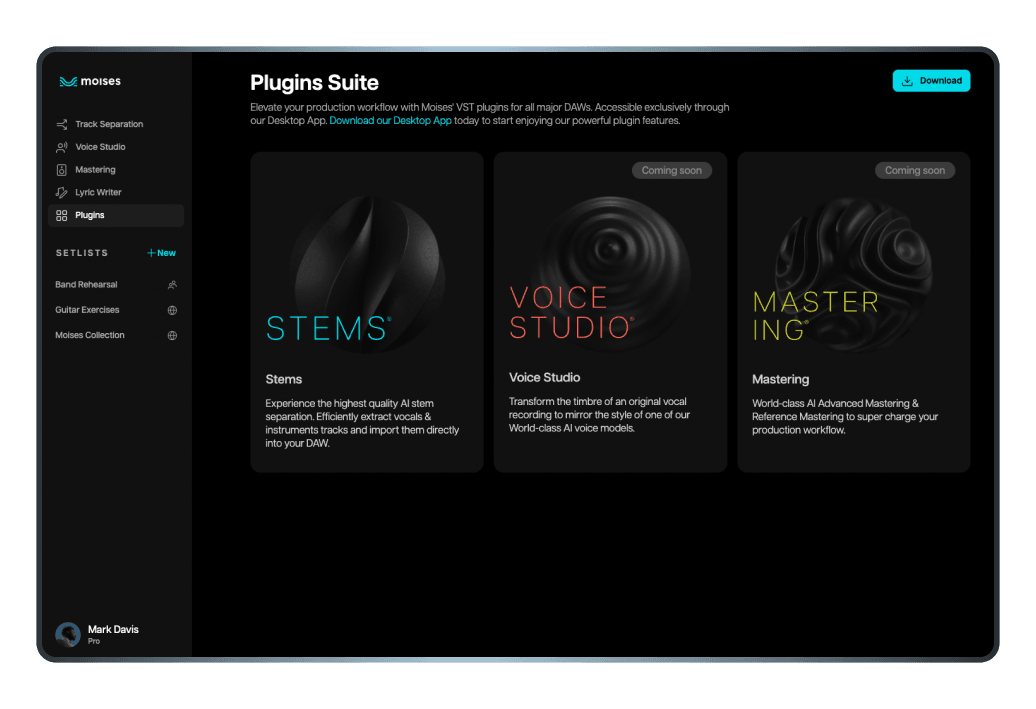
Logged into your Moises account with a Pro Subscription via Desktop App, click “Plugins” on the sidebar. Download the Stems plugin, available for MacOS or Windows.
Efficiency in your creative process is paramount — and Moises knows that. Create high-quality samples with AI-powered audio separation directly from your Digital Audio Workstation (DAW). Save precious time and optimize your studio routine with our innovative VST plugin.
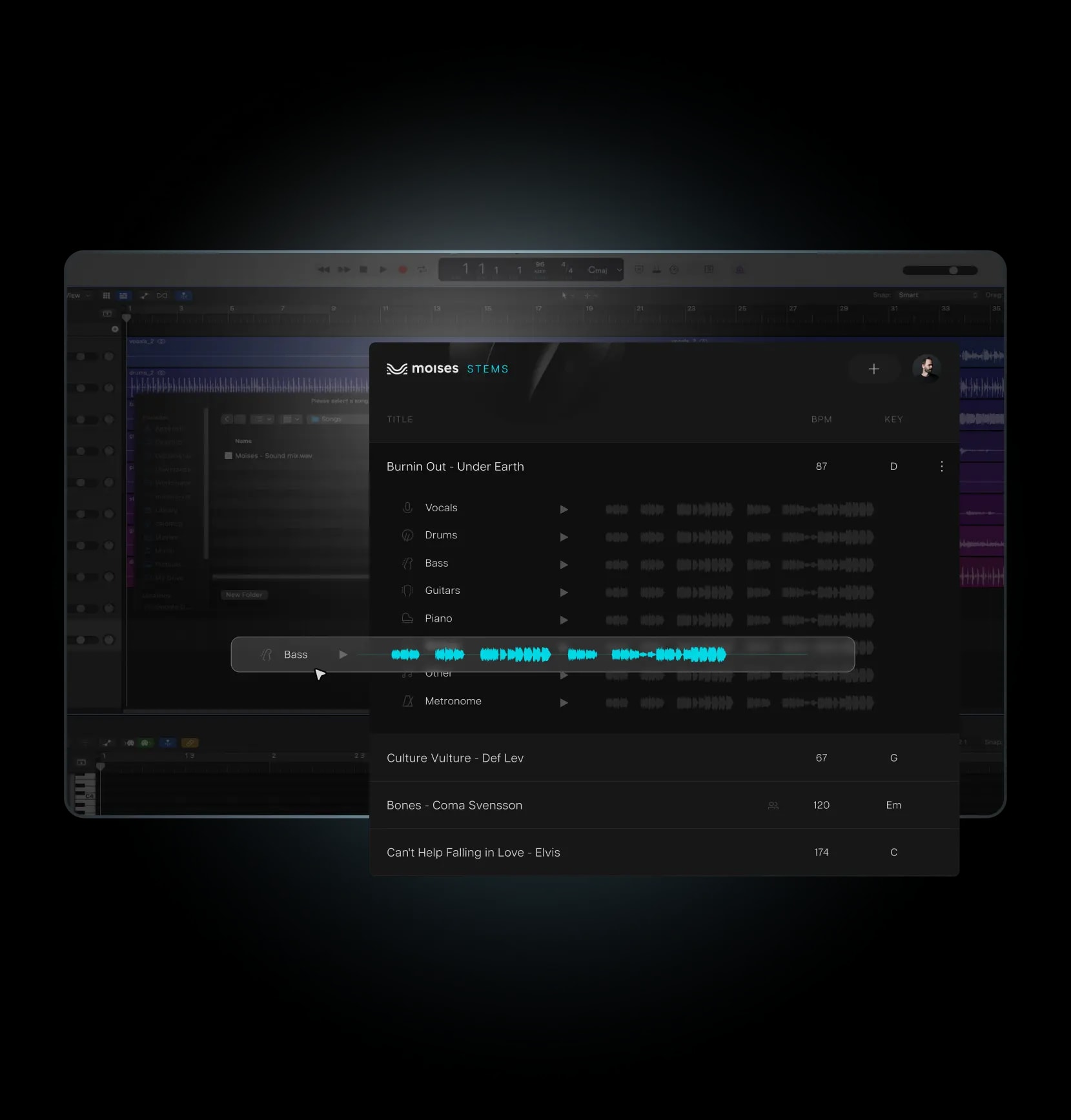
Seamlessly integrate the plugin and create samples in a matter of minutes.
Logged into your Moises account with a Pro Subscription via Desktop App, click “Plugins” on the sidebar. Download the Stems plugin, available for MacOS or Windows.
Open your DAW and create a new audio track. Navigate to the plugin menu, and select Moises > Stems.
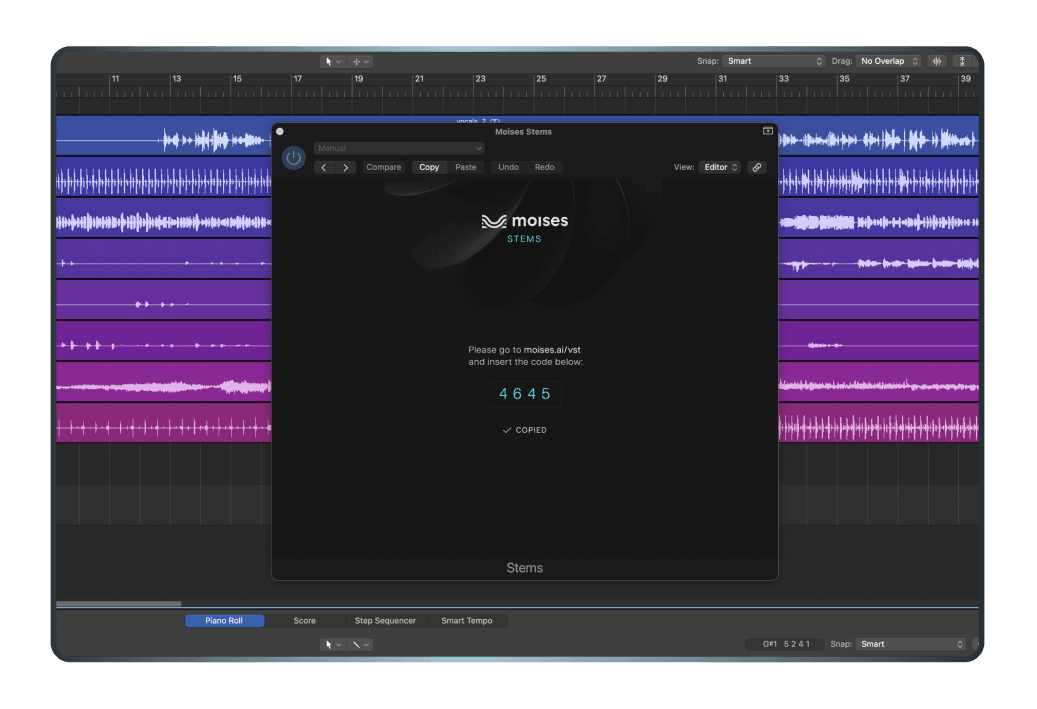
After selecting the Stems Plugin, a code validation screen will prompt you for authentication. Follow the instructions provided to verify your plugin.
With the plugin loaded on your instrumental track, you can now manipulate the stems within your track using the plugin's interface. Save your project to preserve the changes. You can now integrate the processed stems into your DAW project for further production or mixing.
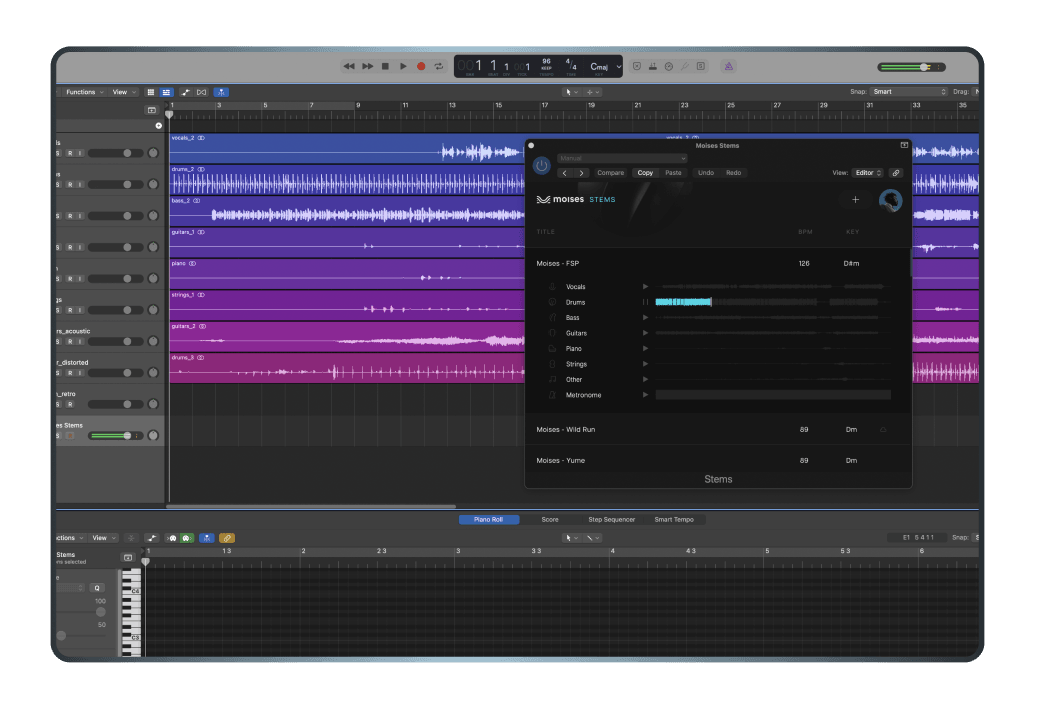
Get the best sound possible with AI-powered Hi-Fi audio separation technology, delivering crisp, clear vocals and instruments.
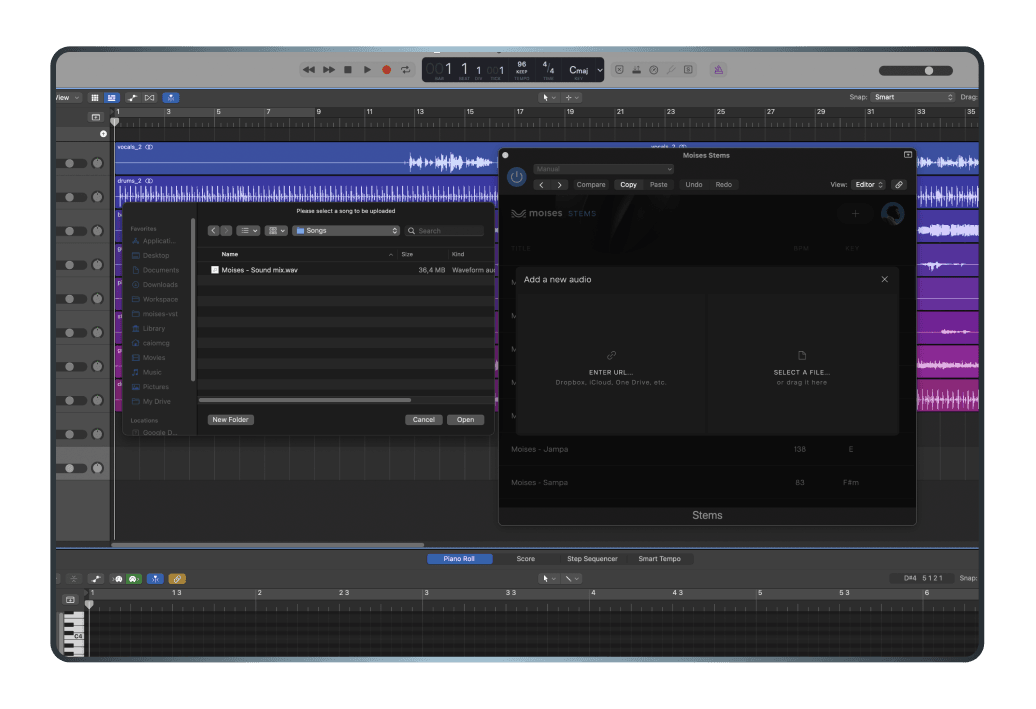
Free your creativity from prior constraints. This user-friendly plugin allows you to separate tracks in your DAW, via drag-and-drop or an URL.
Install the Stems Plugin just like you would other VST plugins, with a simple and straightforward process.

Much more than a track separation tool: a powerful VST plugin that can boost your productivity and creativity in many ways.
Access all 7 stems processed at once, including Vocals, Keys, Drums, Guitar, Bass, Strings and Others, for maximum flexibility and control.
Use the Stems Plugin with any major DAW, such as Pro Tools, Ableton Live, Logic Pro, Reaper, Studio One, Fruity Loops, and more.
Save money and resources by accessing the Stems Plugin along with other exclusive features for Producers.


Award-winning music producer and DJ from Nigeria


Producer and content creator with an online collective following of over 300k


Producer and content creator with over 2 million views on YouTube
The VST Stems plugin is a way for musicians to access the high-quality stem separation technology they’d get on the Moises platform directly in their preferred DAW by downloading the plugin.
The Moises Stems plugin works across all major DAWs, including Ableton Live, Pro Tools, Logic Pro, Reaper, Fender Studio Pro, and FL Studio.
The Stems plugin offers up to 7 different stem types: Vocals, Keys, Drums, Guitar, Bass, Strings, and Others.
Follow this quick guide on the Moises Help Center to install the Stems plugin and other Moises plugins on your DAW.
You’ll also find guides for using Moises plugins on multiple popular DAWs, including Ableton Live, Pro Tools, Logic Pro, and Reaper.
Yes. To gain access to Moises DAW plugins, you will need a Moises Pro subscription.
No, the Moises Stems plugin is not a real-time stem splitter. There is some delay between sending a separation request and getting the split stems. The plugin also requires an active internet connection to operate. This allows for the highest possible separation quality. If you want a real-time stem separation experience for things like accessibility or live performances, you should consider Moises Live.
The Moises Stems plugin and desktop app generally accept all major audio formats for import.
Supported import formats include:
- Lossless: WAV, FLAC, AIFF (aif), AIFC
- Compressed: MP3, AAC, AAC3, OGG, WMA
- Video (audio extracted): MP4, M4V, MOV, MKV, M4R, M4A, FLV, MPEG (MPG), WEBM
Yes. You can easily drag individual stems directly from the Moises Stems plugin into your DAW's project timeline. If you’d rather export them as audio files to drop into your sessions manually, you can also download the separated stems as a ZIP folder from the Moises desktop or web app.
How to export stems using the plugin:
1. Set your DAW's BPM: Make sure your project's tempo matches the song's BPM before importing.
2. Open the plugin: Load the Moises Stems plugin onto an audio track in your DAW.
3. Drag and drop: Sync your Moises account with the plugin, then simply drag the stems you want directly into your DAW’s project timeline.