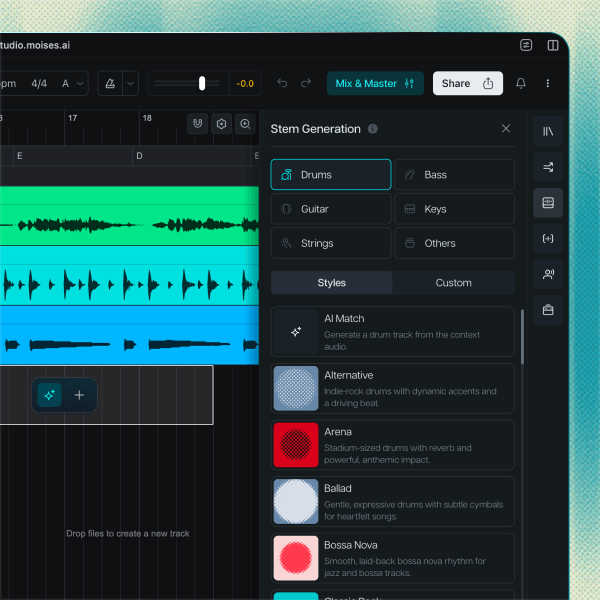
GENRE PRESETS
Shape your track in seconds
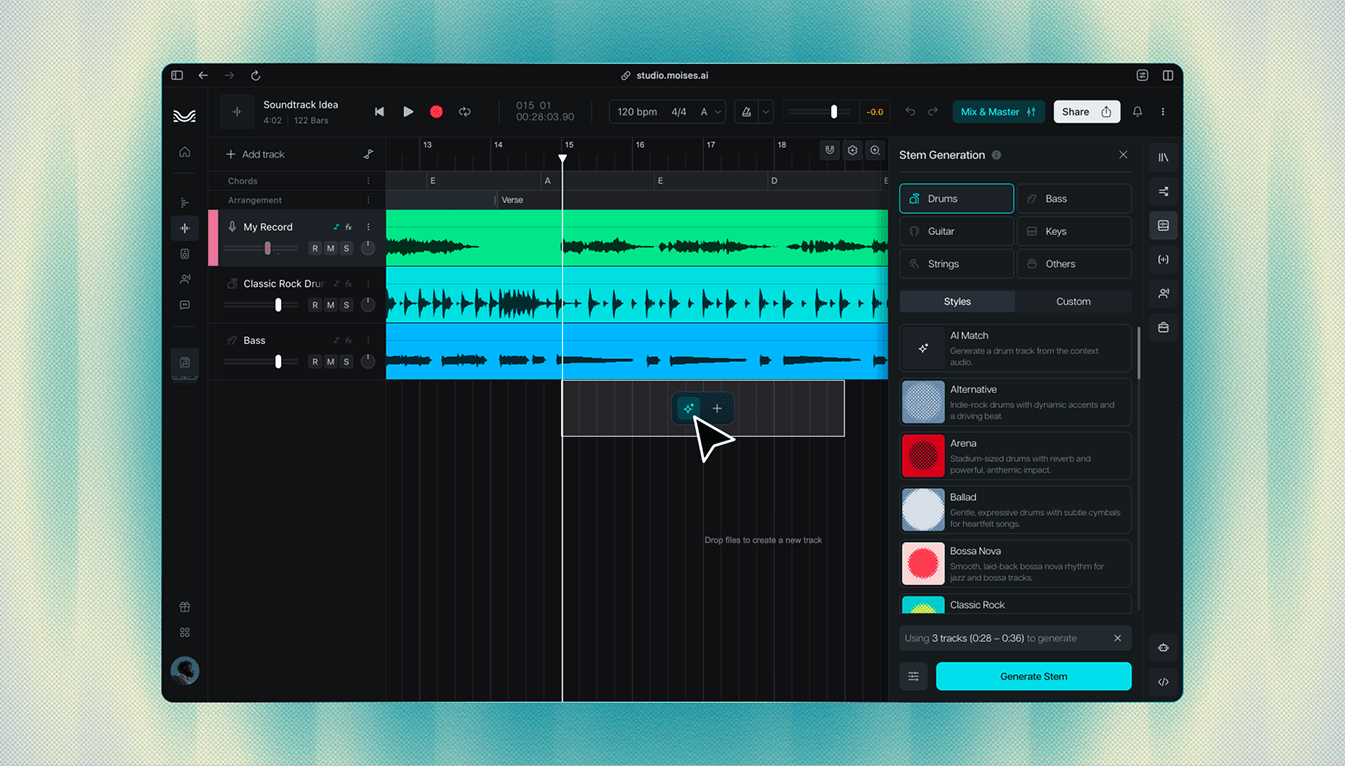
Genre presets for drums, bass, guitar, and more. Pick a style in one tap, hear it in place, and move on to the next part. Funk, trap, R&B, rock overdrive: the styles are built in, just select and create.
Introducing Moises Studio: The simplest way to make music togetherIntroducing Moises Studio: The simplest way to make music together
Let your ideas lead
Play a riff, hum a melody, or drag in your beat. Moises listens to your audio and generates instruments that follow your timing, chords, and vibe.

How it works
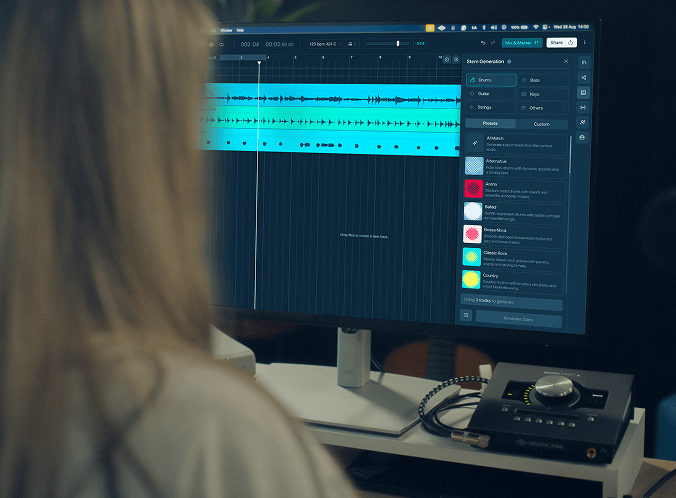
First, record or upload your audio or play in a MIDI part: it could be a vocal hook, a guitar riff, a chord loop, or a drum groove. Whatever you start with, Moises builds on your ideas.
Pick drums, bass, guitar, keys, strings, or use a text prompt to create exactly what you want. Genre presets shape the sound, or have Moises match styles based on the audio in your project.
Stem Generation reads your project’s audio, tempo, key, and chords, then creates a new track that locks in with your music. Regenerate any part, keep what works, and layer instruments until the arrangement is complete.
Genre presets, per-stem control, and smart section fills, designed so the session never stalls.
Genre presets for drums, bass, guitar, and more. Pick a style in one tap, hear it in place, and move on to the next part. Funk, trap, R&B, rock overdrive: the styles are built in, just select and create.
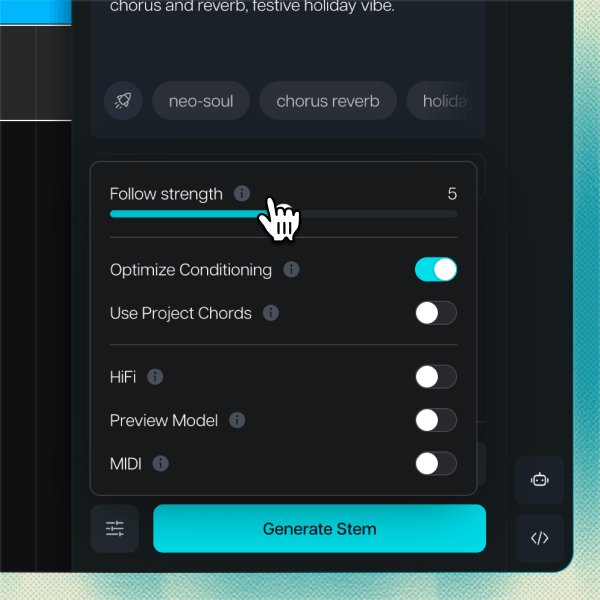
Set how closely each generated part follows your project’s existing tracks, your prompt, and any reference audio provided. Dial it up to keep it faithful to what’s there, or down for more creativity and expressiveness.
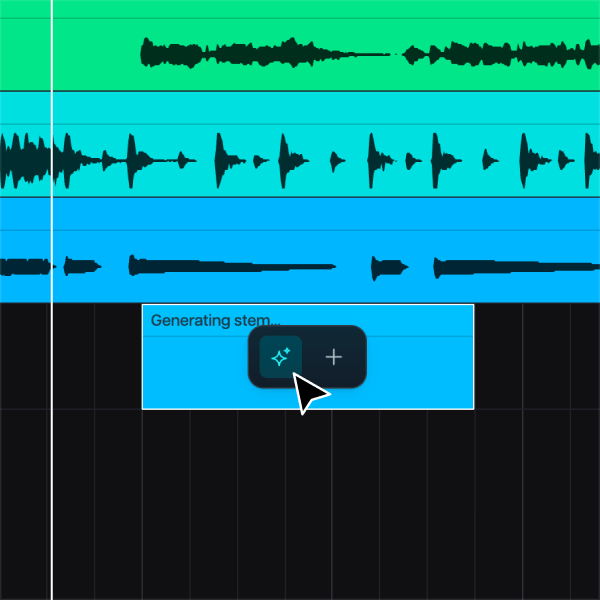
Highlight any part of your track and Stem Generation fills it with new ideas, transitions, or variations, without breaking what you already have. Stuck on the bridge? Select it, generate, and hear a way through.
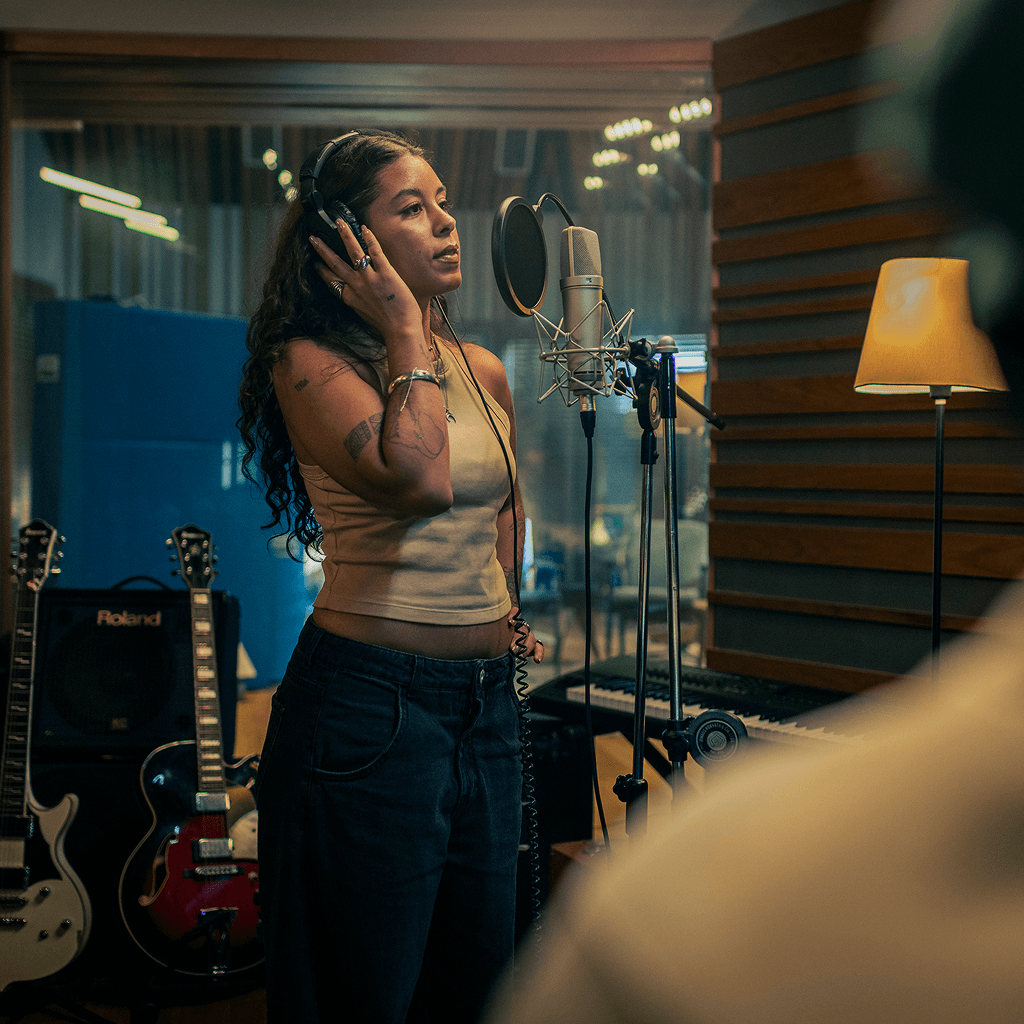
That chorus sitting in your voice memos deserves a full arrangement. Generate drums, bass, and keys around it and hear where the song wants to go. Write the next section instead of imagining it.
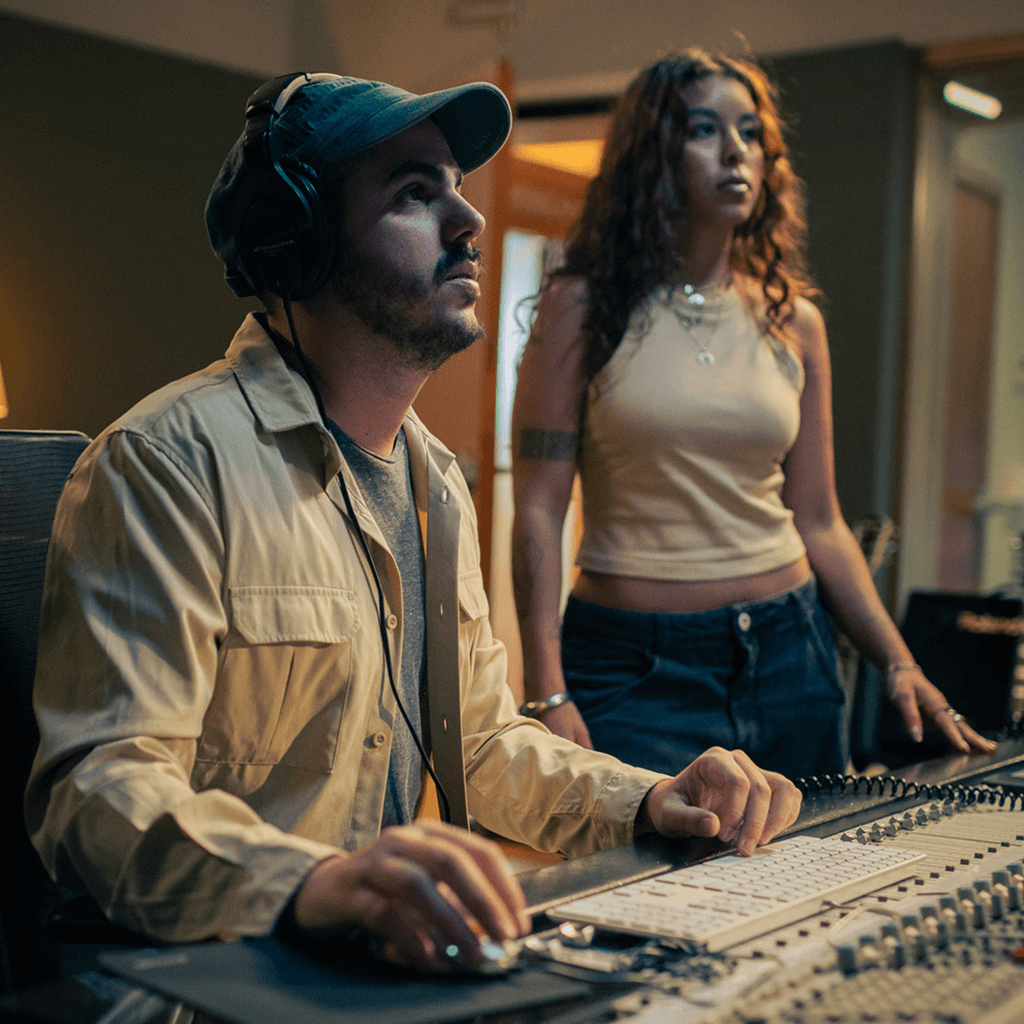
Stop auditioning samples that almost work. Every part arrives in key and in time, shaped by everything you've laid down. Spend the night arranging, not searching.

Record a few bars and generate the drums and bass to play against. Practice with it, write over it, or just jam. Your part stays in front, and the backing follows you.
Why Moises
Full creative control, no plugin chains required.
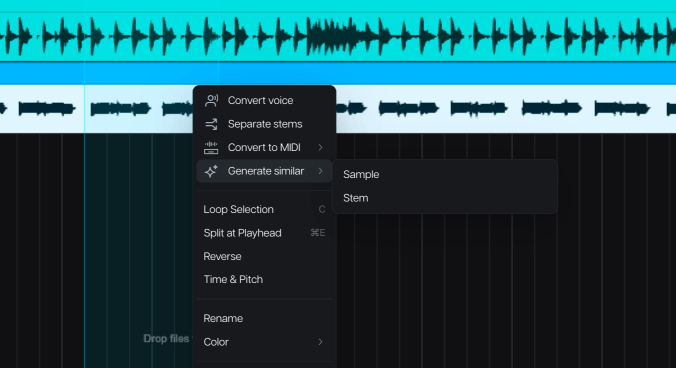
Every generation starts by listening. Your chords, your groove, and your energy shape what comes back, so each new part lands like it was played for the song.
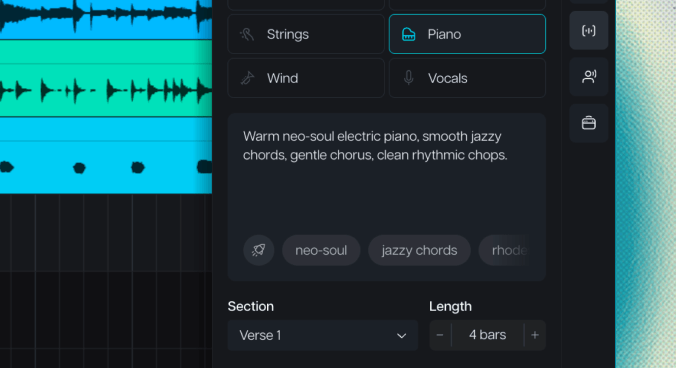
Nothing you generate is locked in. Audition another take, swap the style, or scrap it and head a different direction. The last call is always yours.

Generate your parts, arrange them, and export the mix inside Moises Studio. No second app, no file juggling, no setup between the idea and the take.

Moises never trains on your audio. What you upload powers your session and nothing else. Your recordings, your ideas, and your rights stay with you.
Stem Generation creates new instrumental tracks from your own audio, in your key, your tempo, and your feel. Record a guitar part and generate the drums and bass to go with it. Every part is shaped by what you played, so the result sounds like your song, not a sample library.

“I’ve been using Moises in my own creative process for years. It’s here to help artists learn, explore, and bring their ideas to life.”

“It's a product that I've waited for my whole life. It would have made my life a lot easier if Moises had been around for 15, 10 years.”

“I find myself using Moises in creative ways, generating stems and making bass parts, while I'm trying to write a song in its infant stage.”
Upload your original audio as a reference, and add a prompt if you want to include any additional context. Use the stem generation tool to choose what you want to create and customize the genre and groove.
Stem generation is available entirely through your browser. Moises offers a desktop app, but you don’t have to download any software to enjoy the full experience. You can even generate stems in the mobile app.
No. The audio you upload is only used for conditioning or inspiration during your session, then it is discarded. Moises never trains with your data.