
Invite by Email or Link
Share a link and get to work
Add collaborators by email or copy a shareable project link. They open it and land in the live session, right where the music is. No installs, no version mismatches, no messy fileswaps.
Introducing Moises Studio: The simplest way to make music togetherIntroducing Moises Studio: The simplest way to make music together
Make music together
Write, record, edit, and generate stems in the same Moises Studio session at the same time. Bandmates, producers, and co-writers join from anywhere in the world.
Available in Moises Studio on web and desktop

How it works
Start something new or open a project you've already got going. Everything in it is ready to share.
Add them by email or send a link. Set each person's role so everyone has the right level of access.
Add tracks, record, edit audio, and generate stems together. You see everyone's cursors as they work, and every change lands in the session the moment it happens.
Invite anyone in seconds, set each person's access, and follow who's working on which part in real time.
Add collaborators by email or copy a shareable project link. They open it and land in the live session, right where the music is. No installs, no version mismatches, no messy fileswaps.

Stay in control by giving each collaborator an assigned role: Admins manage the session, Editors make music in it, and listener roles can only play back. Change anyone's role at any time.

See who is working on what with visible collaborator cursors, built-in quick chat, and follow mode. Everyone edits non-destructively with version control and easy undo/redo.

Finish the lyrics, build the chord progression, chase the idea while it's still hot. You and your co-writer work in the same session at the same time, wherever each of you is sitting.

Add tracks, shape the arrangement, and dial in the sound while your artist watches it happen. They hear every change as you make it and answer back in the same session.

Give every bandmate Editor access and work on different parts of the same arrangement at once. Drums, bass, and guitar in one timeline, with live cursors showing where everyone's working.

Join your student's session as Admin and work alongside them. Drop a marker on the bar that needs work, add a reference track, or fix a section while they watch. The project stays theirs.
Why Moises
Bounce the mix. Text the file. Wait three days for a part that comes back on a version you've already moved past. That's how collaborating at a distance usually goes. In Moises Studio, there's nothing to send and nothing to wait on: the session is the one place, and everyone's already in it.

Separate a track, create new stems, record a take, edit the audio. Everything Moises Studio does works inside the session, for everyone in it. No one has to leave for another app to finish the work.

Moises Studio works on web and desktop. Your collaborators open the session and start making music, whatever their setup looks like.

Moises never trains on anything you upload, record, or make in a session. Our models learn only from licensed audio. What's created in a session belongs to the people in it.
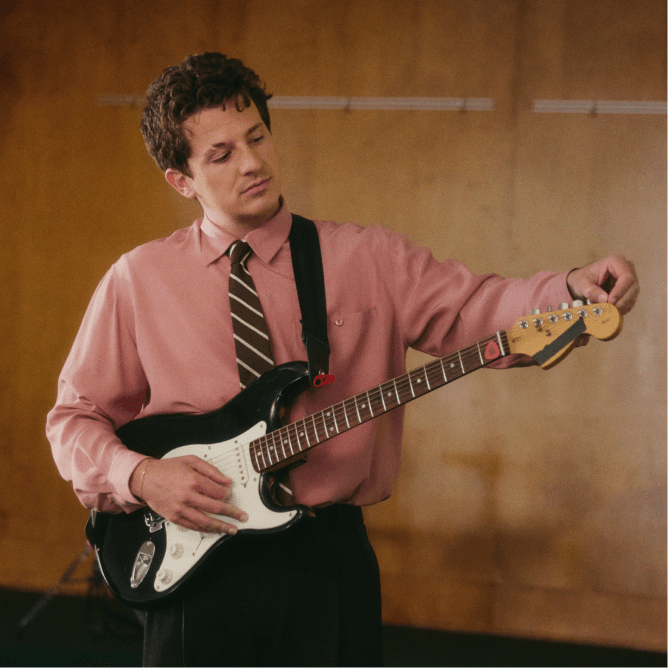
“I’ve been using Moises in my own creative process for years. It’s here to help artists learn, explore, and bring their ideas to life.”
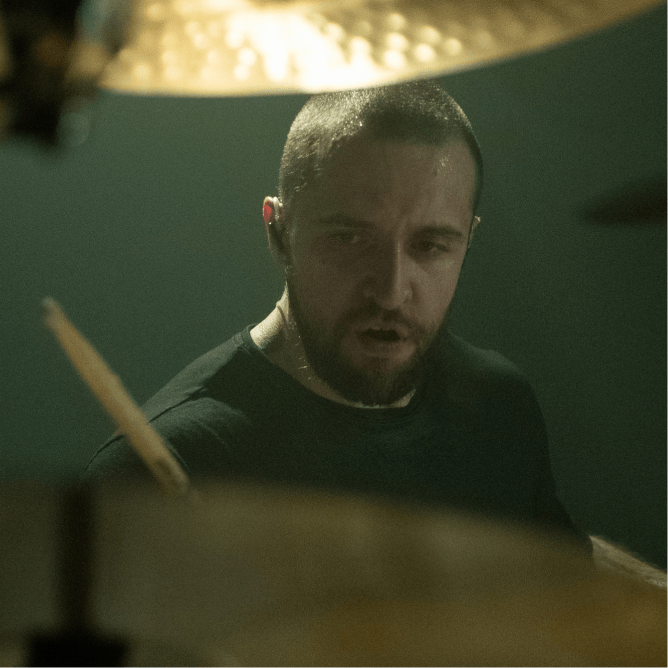
“It's a product that I've waited for my whole life. It would have made my life a lot easier if Moises had been around for 15, 10 years.”

“I find myself using Moises in creative ways, generating stems and making bass parts, while I'm trying to write a song in its infant stage.”
Start a session. Invite the people you make music with.
Open Share inside your session, then add their email or copy the session link. When they open it, they're in the live session with you.
That's one benefit of having built-in History Navigation. You can see all the old versions of your project, and who made which changes. If someone makes a big change you don't end up liking, you can always revert to a previous version.
Admins manage the session: they invite people, set roles, and remove collaborators. Editors do everything musical: add tracks, record, edit, and generate stems. Admins can make music too.
You can do anything in a shared session that your subscription allows you to do on your own.
Real-time collaboration works in both the desktop app and right in your browser, so you don't need to install any software to get started. This feature is not available outside of Moises Studio, so you can't access it in the Moises app.
Yes. Admins can change anyone's role or remove a collaborator at any time from the Share panel.