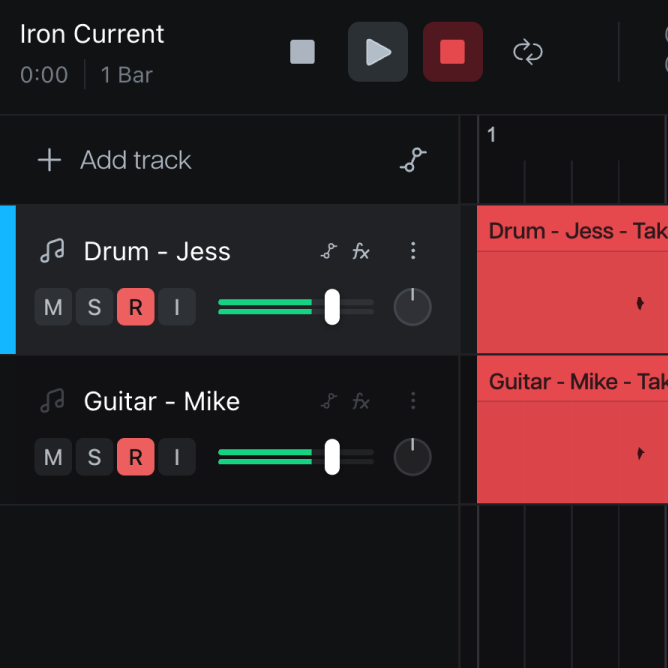
RECORD TOGETHER
Record at the same time, from anywhere in the world.
More than one person can record into the same project at the same time. You see your bandmate's audio file in the timeline the moment they finish their take.
Introducing Moises Studio: The simplest way to make music togetherIntroducing Moises Studio: The simplest way to make music together
CAPTURE THE WHOLE ROOM
Plug in, arm the tracks, and capture every player at once. Each part lands on its own track — ready to edit, not sitting in a folder.
How it works
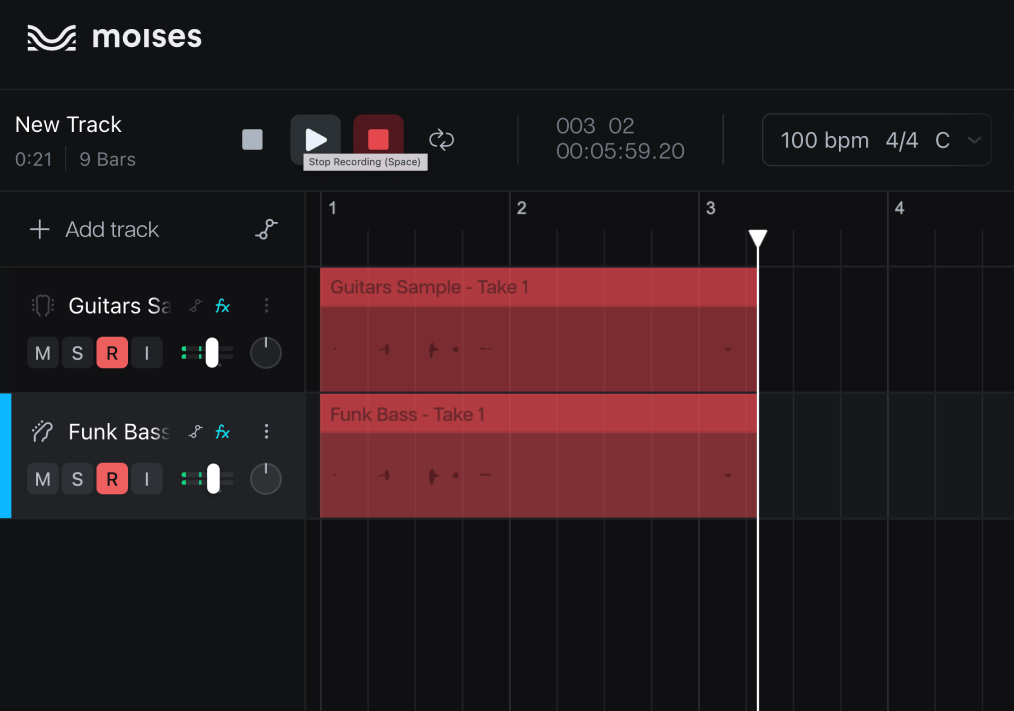
Create one track per player or instrument. Click "Add track" in the timeline and it's ready for an input.
Assign a source to each track — a channel on your interface, or the built-in mic.
Arm every track you want to capture and hit record. They all roll together, each input on its own track, in sync.
Record the whole room through one interface, or record with each other from anywhere. Every take goes straight into the timeline.
More than one person can record into the same project at the same time. You see your bandmate's audio file in the timeline the moment they finish their take.
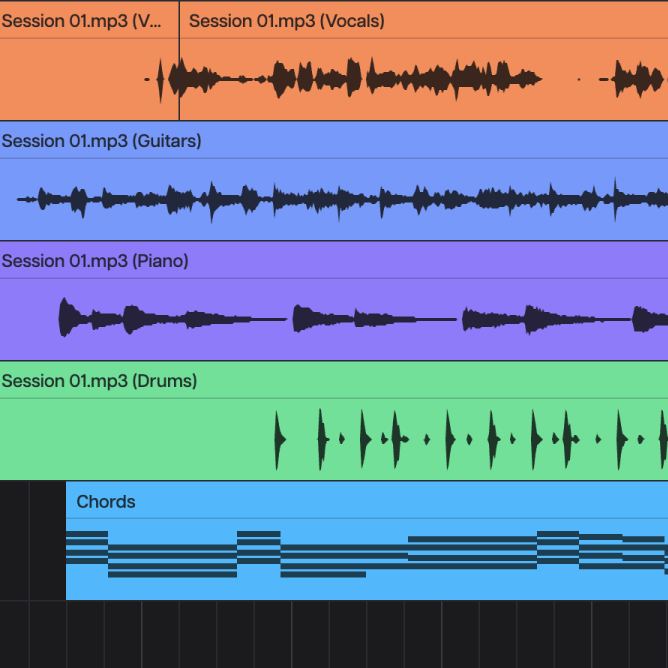
Takes appear in the timeline the moment you stop, time-aligned with everything already in your project. No exporting, no importing, no lining things up.
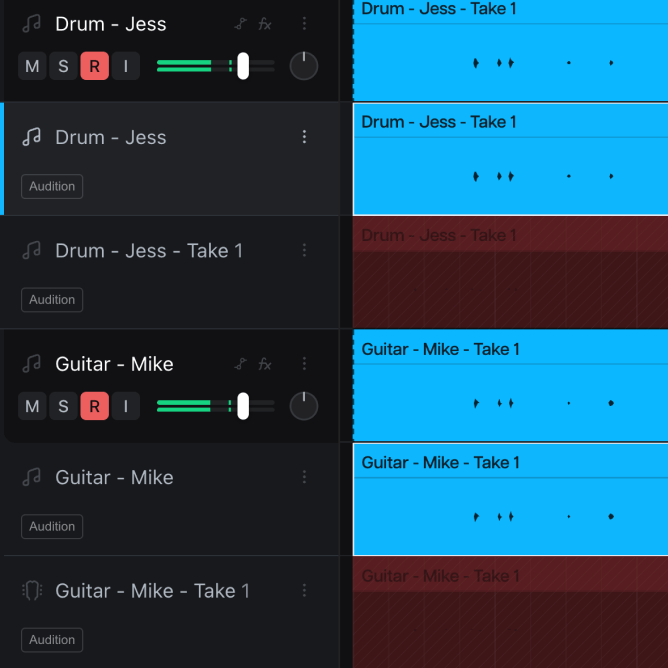
Loop a section and stack takes as you go. Every pass is saved to its own lane, whoever recorded it. Pull the best moments into one comp, without re-recording anything.
Why Moises
Record in Moises Studio, and the rest of the suite is already there. Arrange, separate, and mix in the same project you captured.
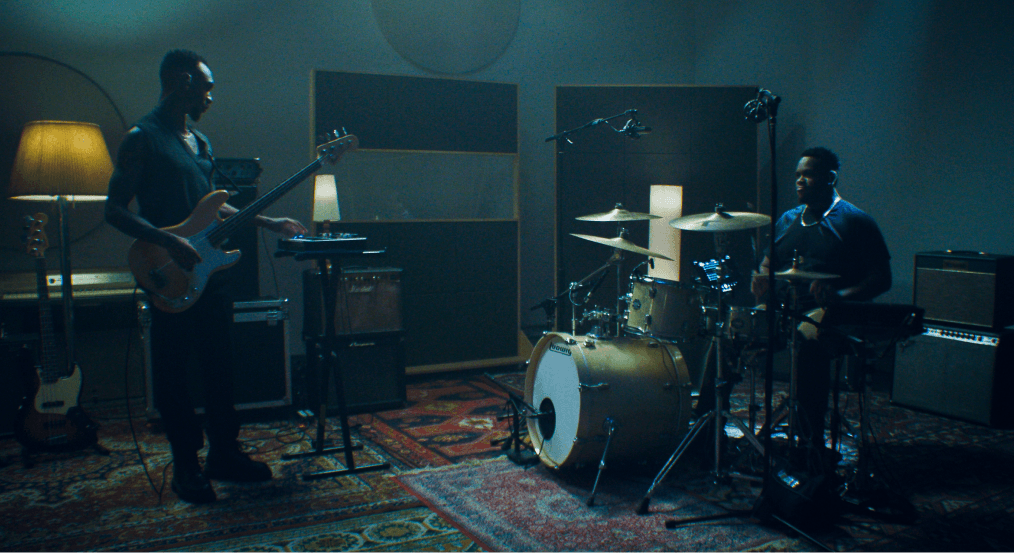
Bring a laptop and an interface to rehearsal and record every player onto their own track. The whole night is in your project, ready to work on tomorrow.
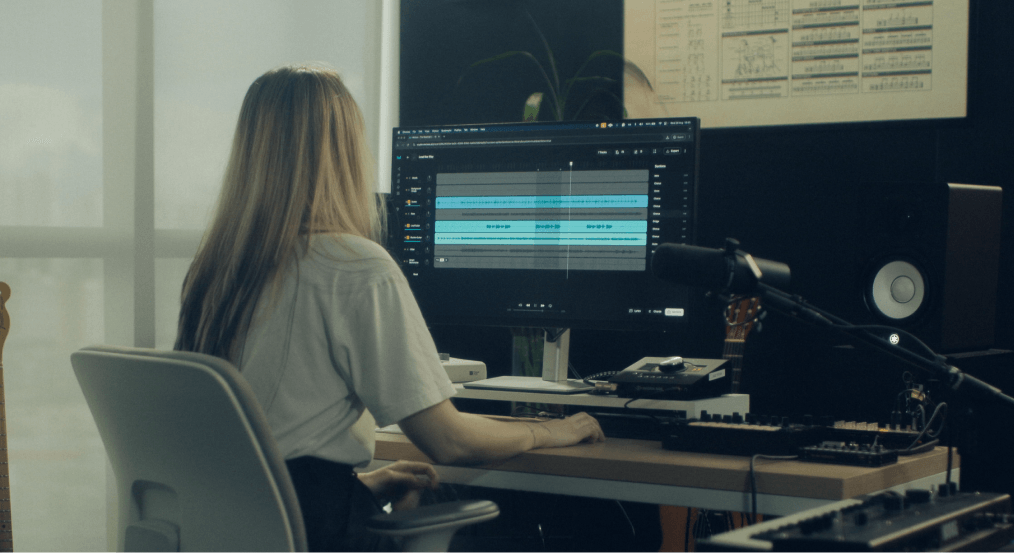
Hit stop and keep moving. Trim it, loop it, or start the next pass. The recording is already where the song is.
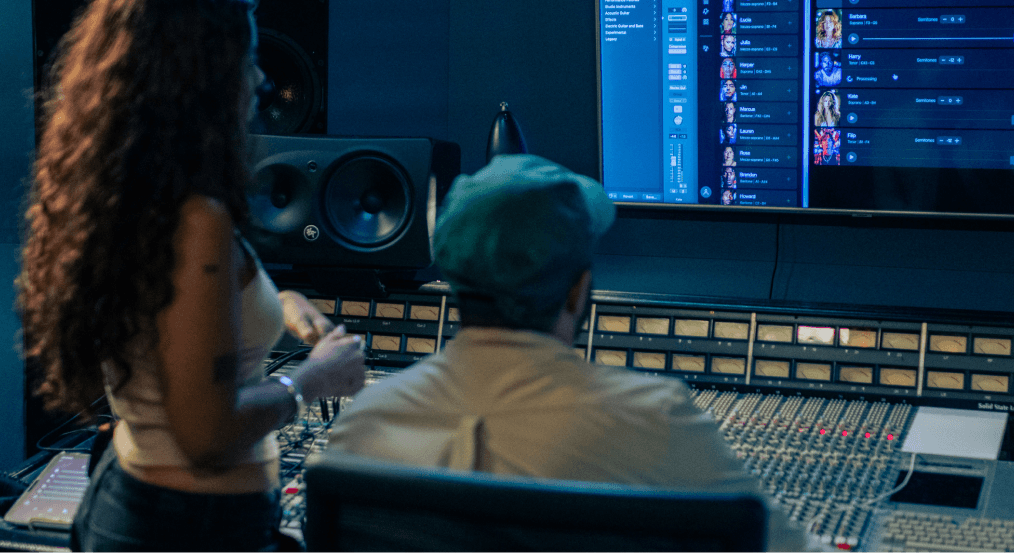
Every recorded track works with everything else in Studio. Separate it, master it, or build on it, in the same project.
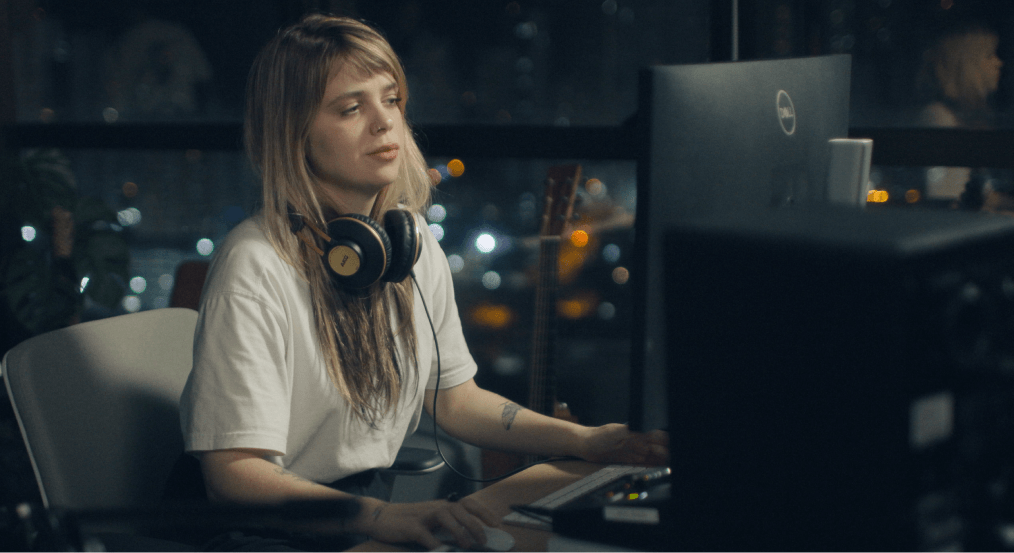
Connect any standard USB audio interface, plug in your instrument, and you’re good to go. No special hardware, no drivers to install.
“I’ve been using Moises in my own creative process for years. It’s here to help artists learn, explore, and bring their ideas to life.”
“It's a product that I've waited for my whole life. It would have made my life a lot easier if Moises had been around for 15, 10 years.”

“I find myself using Moises in creative ways, generating stems and making bass parts, while I'm trying to write a song in its infant stage.”
Yes, multiple people can record at the same time in one project. You won’t be able to hear your collaborator while they are recording, but you will see their audio in the timeline as soon as they are finished.
Yes, all Moises Studio users can use this feature, even without a paid subscription.
Note: Free users may have limitations on storing and exporting larger recordings.
No, this feature is part of Moises Studio, which is available for Mac, PC, and in most major web browsers. You can record short videos or quick audio recordings in the Moises mobile app, but you will not have access to Multi-track Recording there. Learn more about the Voice Recording Feature for Moises Play.