The AI agent built into Moises Studio

Moi: Say what you want. It happens in your project.

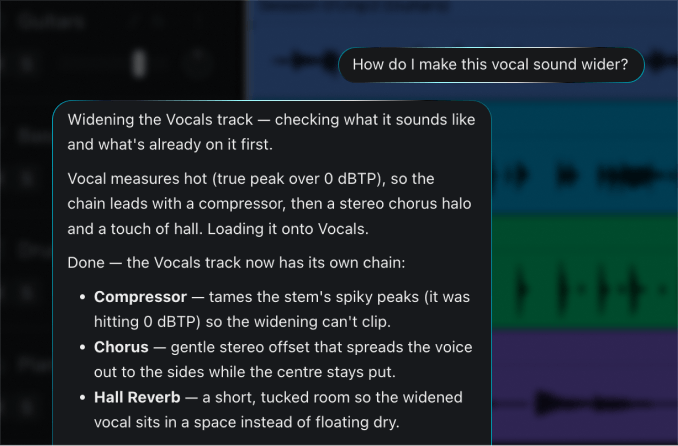
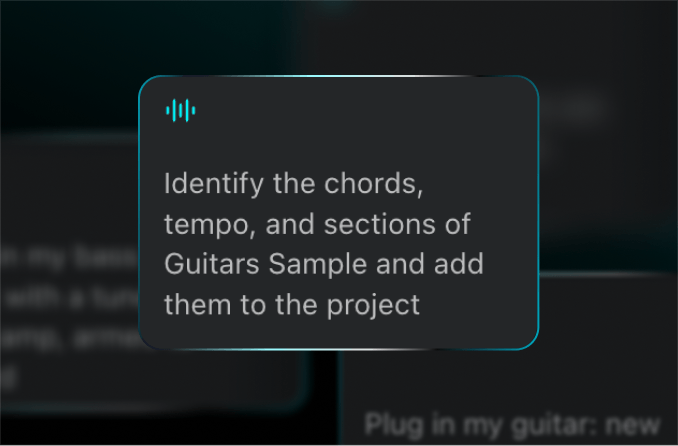
Moi hears what's already in your project before it touches anything. Ask for drums from bar 5 or five takes on your vocal, and each result shows up as its own track to keep or toss. Stuck on how something works? Moi explains it using your project.

Available in Moises Studio on web and desktop

How it works

From the sound in your head to a track you can edit

  1. Start with your music

    Record or upload audio, or play in a MIDI part. Moi reads everything in your project, from tempo, key, and markers to audio and effects, so it starts from what you've already made and helps you build from there.

  2. Ask it to do it, or ask how

    Describe it the way you'd say it to a bandmate. Aim it at a few bars, drop in a reference file, or have Moi look up how a genre is produced. Want to learn it yourself? Just ask Moi, and it will tell you how to do it.

  3. Watch the steps, keep what works

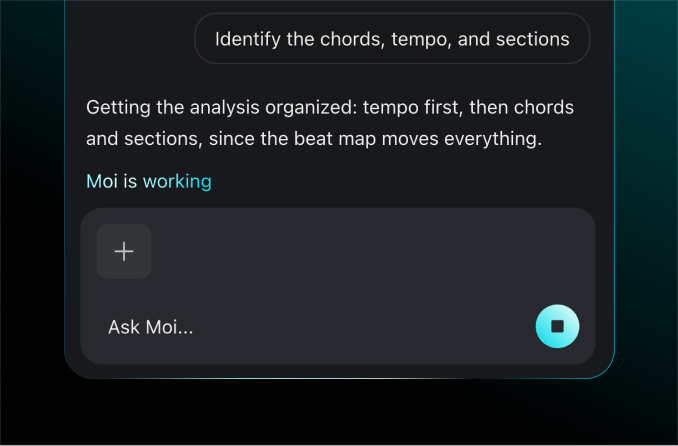
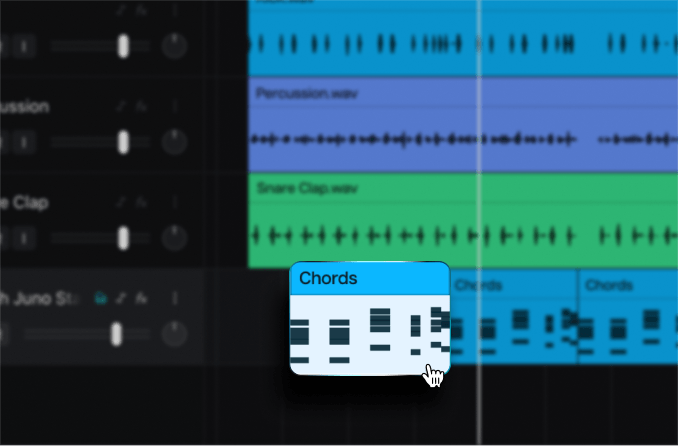
    Moi lists each step as it works, then tells you what changed in plain terms. New parts show up on their own tracks at the right bars. Keep them, ask for another take, or get the same part as editable MIDI.

Built to keep the song moving

Like a co-producer at your side, in every project.

Chained edits

One request, as many tools as it takes

Ask Moi to pull the vocal out of a rough mix, try it in a different voice, and give the guitar a new amp tone. It works through each step in order, using the same Studio features you'd reach for yourself.
How-to answers

Learn the move on your own song

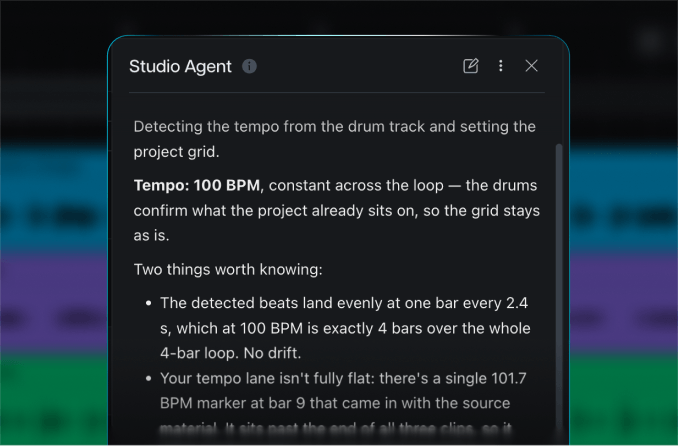
Ask which effect gets the sound you're after, how to share a project, or whether a job belongs in Moises Play. Moi answers using what's in your project and changes nothing unless you ask it to.

Mix repair

A mix pass that shows its math

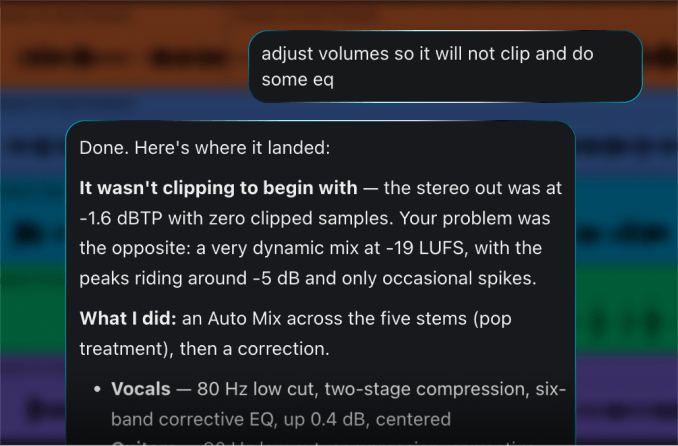
Ask Moi to clean up a muddy mix. It measures each track and the master, makes gain and EQ moves, then lists them: how many dB the guitar came down, where the low cut sits, which boxy frequency it dipped.

Alternate takes

Line up a few takes and keep the best one

Ask for a few versions to choose from: three drum grooves for the chorus, a handful of bass lines under the verse, or your lead vocal in several different voices. Each one gets its own track and a short note on how it fits your song.

Open a song you're stuck on. Ask Moi what it needs.

Why Moises

More time making music. Less time in the manual.

You don't need the technical terms to get the sound. Describe it, and Moi handles the settings.

It tells you what it heard

Before it adds anything, Moi describes your audio back to you: the instruments, the groove, the key, the feel. If it misread your take, you'll know before a single note is written.

You stay in the chair

Moi builds what you asked for, offers one next step, and stops there. It never finishes a song for you. Every track it adds is a normal track you can edit, move, or delete.

Works with MCP

Moises Studio supports MCP (Model Context Protocol), the open standard for connecting AI tools. Control your project from another compatible assistant, or connect Moi to other compatible tools.

Your audio stays yours

Moises never trains on your audio. What you upload powers your project and nothing else. Your recordings, your ideas, and your rights stay with you.

Trusted by pros. Loved by 80M+ musicians.

Artist and Chief Music Officer at Moises

Charlie Puth

“I’ve been using Moises in my own creative process for years. It’s here to help artists learn, explore, and bring their ideas to life.”

Slipknot's drummer

Eloy Casagrande

“It's a product that I've waited for my whole life. It would have made my life a lot easier if Moises had been around for 15, 10 years.”

Multi-instrumentalist and 5x GRAMMY Winner

Cory Henry

“I find myself using Moises in creative ways, generating stems and making bass parts, while I'm trying to write a song in its infant stage.”

Frequently Asked Questions

Absolutely not, and it’s not trying to. If you already know what you’re doing, Moi is going to help save you time. Give it a list of tedious tasks you’d normally do manually, and Moi will help keep you focused on the artistry. If you’re a beginner, it’s here to help you push through the more intimidating parts of music production so you can move forward in your journey towards mastery.

Moi is trained extensively on music and knows the ins and outs of the Studio tools. It can execute almost every task available on the platform. It’s not just your standard chatbot bolted onto the product. For advanced users, it’s like having a clever assistant who can help you move quickly. For beginners, it’s like having a knowledgeable friend to help teach you about music, production, and the Studio platform.

Yes, MCP lets you connect Studio to a wide range of agents and external tools if you want to.

No, we will never train our models on your chats with Moi.

Yes, Moi can see everything in your current session, so it can give you input that’s specific to your actual project and not just vague advice. You won’t need to explain a long list of specifics before you can do anything productive.