
Chord Finder

Know every chord. In any song.

Chord Finder detects the chords of any song and shows them in real time — synced to the music, matched to your level, and now exportable as a chord chart for your band.

How it works

Upload a song. The chords are already there.

  1. Upload any song or open your project

    Upload an audio file in the Moises app, or drag your song or stem into a Moises Studio project.

  2. See the chords as the song plays

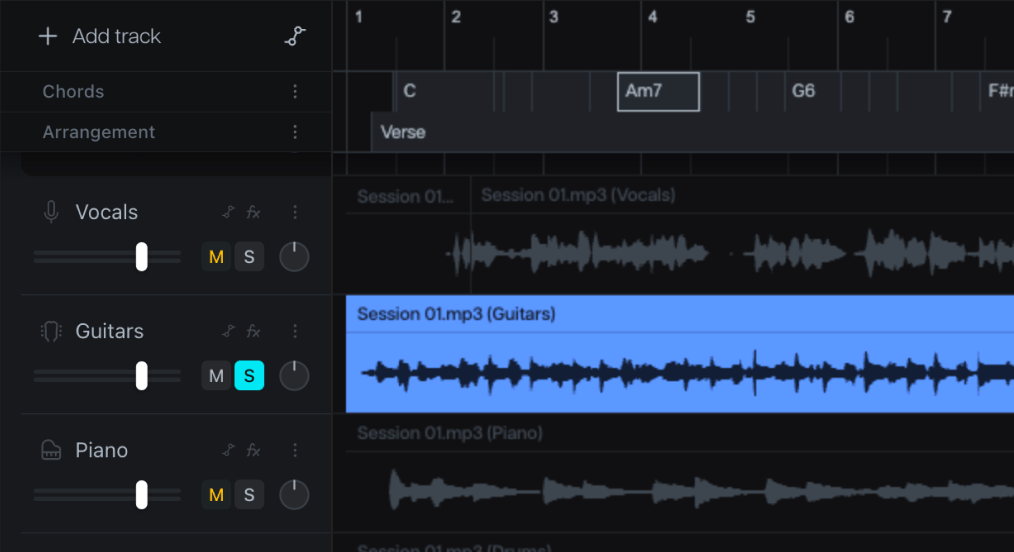
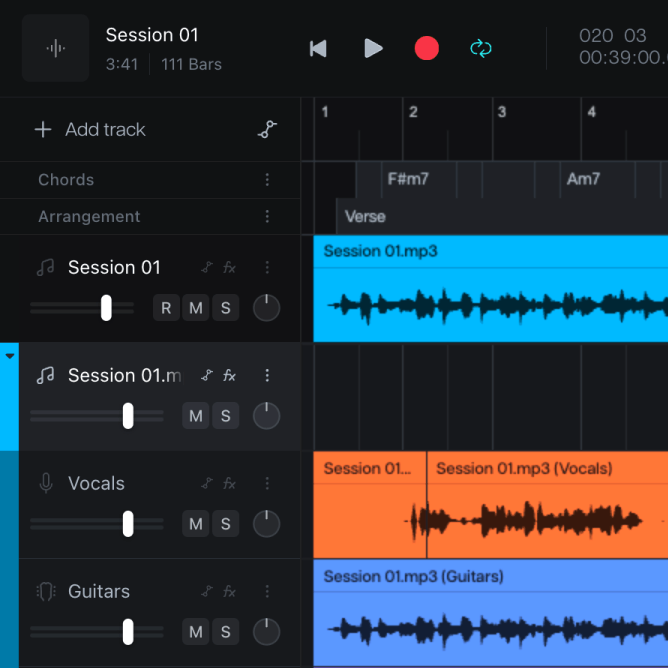
    In 1 click, Moises analyzes the song and shows the full chord progression, synced to the audio — no manual input, no searching.

  3. Choose your difficulty level

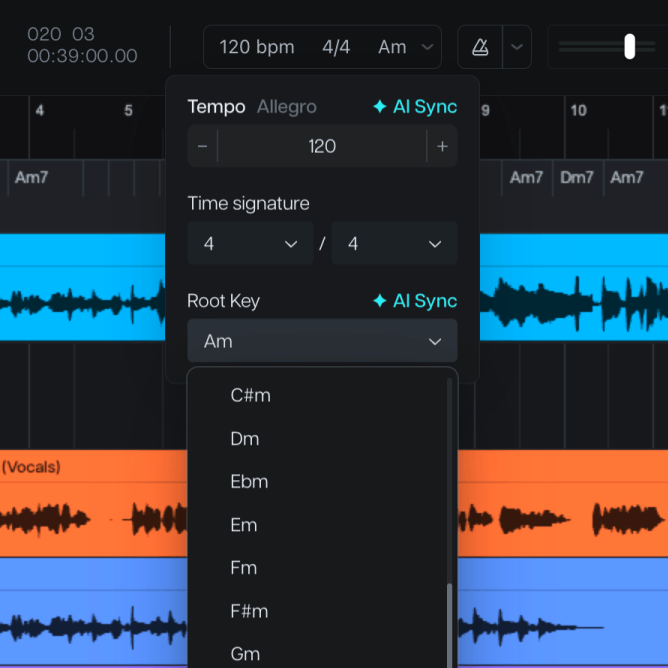
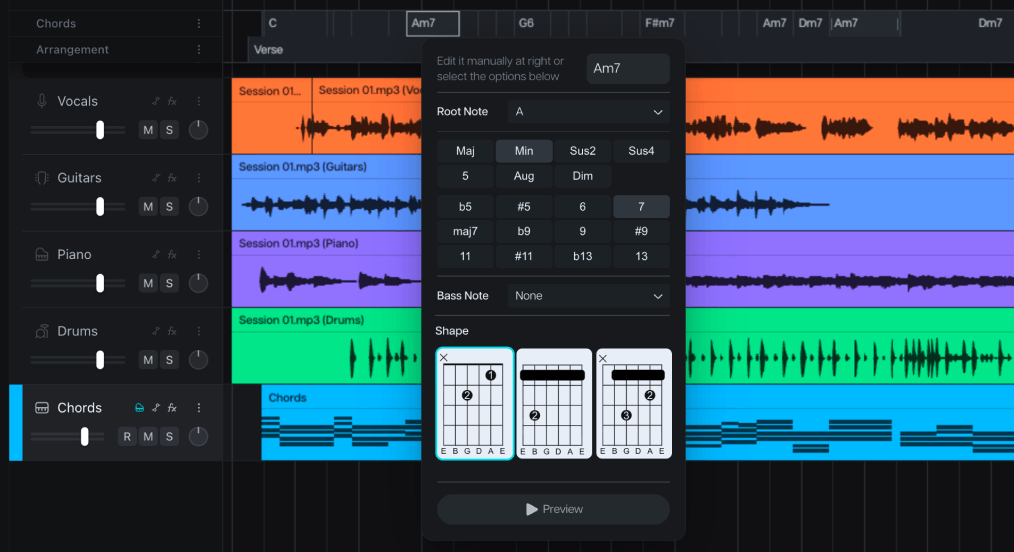
    Switch between Easy, Medium, and Advanced voicings, see capo-adjusted shapes with Capo Mode, or edit any chord yourself.

  4. Transpose, play along, and export

    Shift the key and every chord follows. Slow it down with Tempo Changer to learn the parts, then export the chord chart for your band.

New: Chord Chart Export

Every chord, charted. Shared in one link.

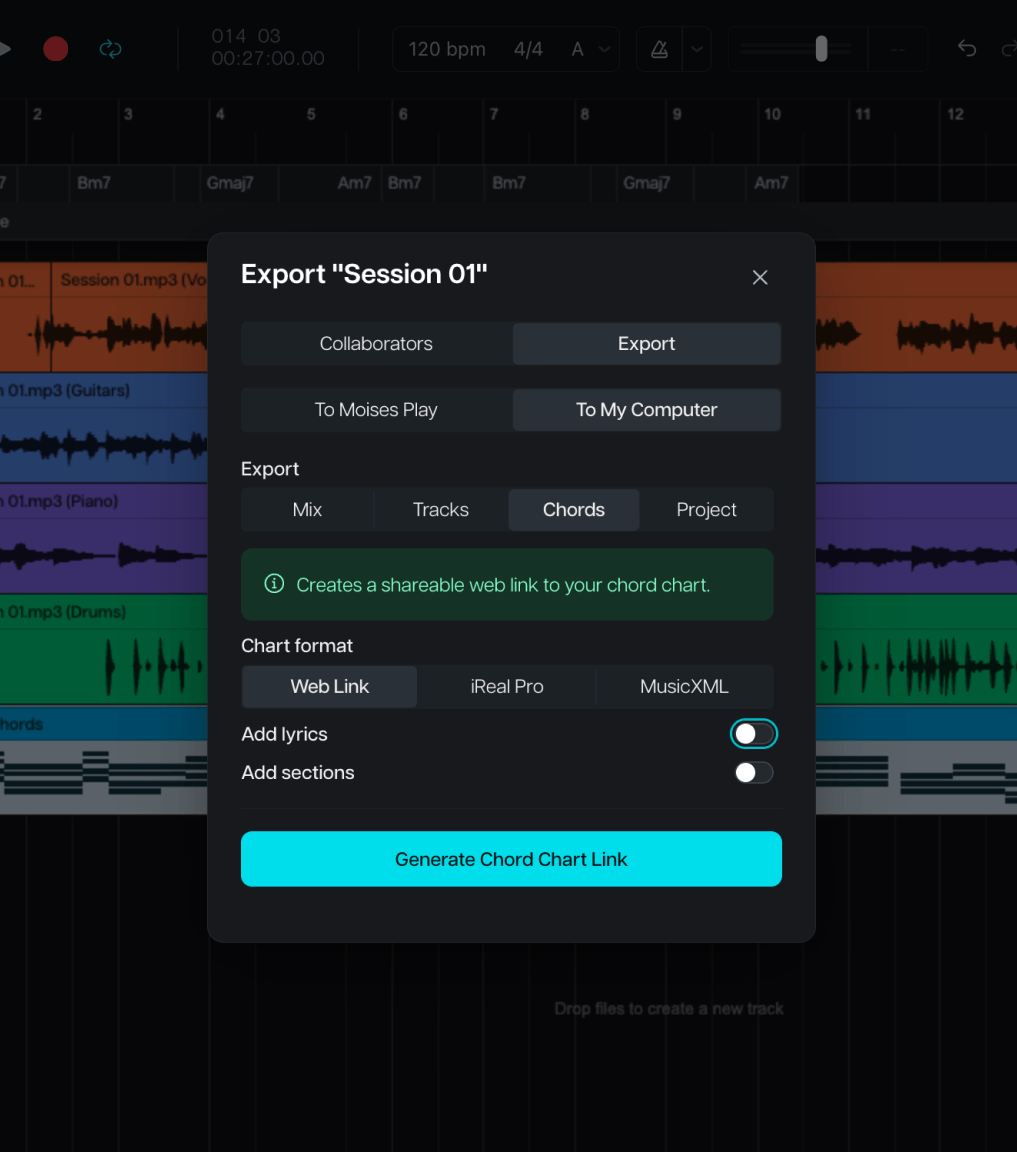
Moises Studio lets you export your detected chords into a clean chord sheet — chords aligned over the lyrics, organized by song section, with key, tempo, and time signature up top. Export it straight from your project in Moises Studio as a web link, or as an iReal Pro or MusicXML file for your rehearsal and notation apps.

The link isn't a frozen printout. Your bandmates open the chart in their browser and transpose it to their own key — no re-export, no new file. Need a fix? Edit the chart right on the web page, from the title down to any line of the sheet.
Everything you need to know the chords.

CHORD DETECTION

Every chord, detected for you.

Upload any song and the full chord progression appears — synced to the audio, on screen while you play.

3 DIFFICULTY LEVELS

Your level. Your voicing.

Switch between Easy, Medium, and Advanced voicings to match where you are — and turn on Capo Mode for shapes that fit your capo position.

TRANSPOSE & KEY

Play it in your key.

Shift the song with Pitch Changer and every chord updates to the new key. Key Detector shows you the song's key before you play a note.

Like having someone who knows every chord sitting next to you.

Why Moises

Everything in one place. No more hunting.

Stop hunting for chords on tab sites, chord apps, and video lessons. Moises detects them from the song itself, then connects them to the rest of your practice.

Pulled from the song itself.

Upload a song and the chords are transcribed for you in seconds. No digging through search results, no wrong versions, no ads. Any genre, any tempo.

Built for guitar and beyond.

Chord diagrams show real fingerings, adjusted for your capo position, with every note in the chord listed.

Connected to the rest of your practice.

Chord Finder runs alongside Pitch Changer, Tempo Changer, and stem separation in the same session. Change the key, slow it down, mute the guitar — without leaving the song.

Your chords on every device.

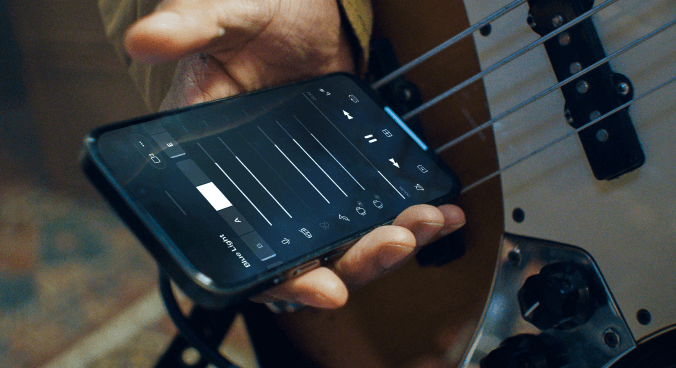
Start on your phone, keep practicing on the web or desktop. Your library syncs across platforms, and so does every chord you've detected.

Trusted by pros. Loved by 80M+ musicians.

Artist and Chief Music Officer at Moises

Charlie Puth

“I’ve been using Moises in my own creative process for years. It’s here to help artists learn, explore, and bring their ideas to life.”

Slipknot's drummer

Eloy Casagrande

“It's a product that I've waited for my whole life. It would have made my life a lot easier if Moises had been around for 15, 10 years.”

Multi-instrumentalist and 5x GRAMMY Winner

Cory Henry

“I find myself using Moises in creative ways, generating stems and making bass parts, while I'm trying to write a song in its infant stage.”

No theory degree required. Just the song you want to play.

Frequently Asked Questions

It will in Moises Play. If you select the chords option, Moises will display guitar chord shapes along with lyrics as they appear in the song. This is perfect for guitarists hoping to play along with the music.

Yes, Moises displays all the notes in each chord.

Yes, Moises Play offers a Capo Mode that adjusts the displayed chord shapes based on your capo position. The song stays in its original key while showing simpler chord fingerings for your capo position.

Yes, you can upload any song from your device to Moises, and the chord detector will generate the chord progression.

Most users find our chord detection is quite accurate, but it does occasionally make mistakes. That's why you also have the option to manually edit chords so they appear correctly moving forward.

Yes, if you want to play a song in a different key, the Moises Pitch Shifter works seamlessly with Chord Finder to transpose the song into any key.

Free users can use Chord Finder for the first minute of each song, while Premium and Pro subscribers have unlimited chord detection.

A chord finder is a tool that automatically detects the chord progression of a song and displays the chords for musicians to play along. This is great for learning a new song or practicing ear training.

Yes. Unlike other chord detectors that struggle with dense mixes, Moises lets you separate vocals, drums, guitar, bass, and other instruments first, resulting in cleaner, more accurate chord detection.

Yes, you can export a neat chord chart from Moises Studio that shows both chords and lyrics. It will even let you seamlessly transpose the song to your chosen key right in the chart.