
Accurate chord detection in all in one location
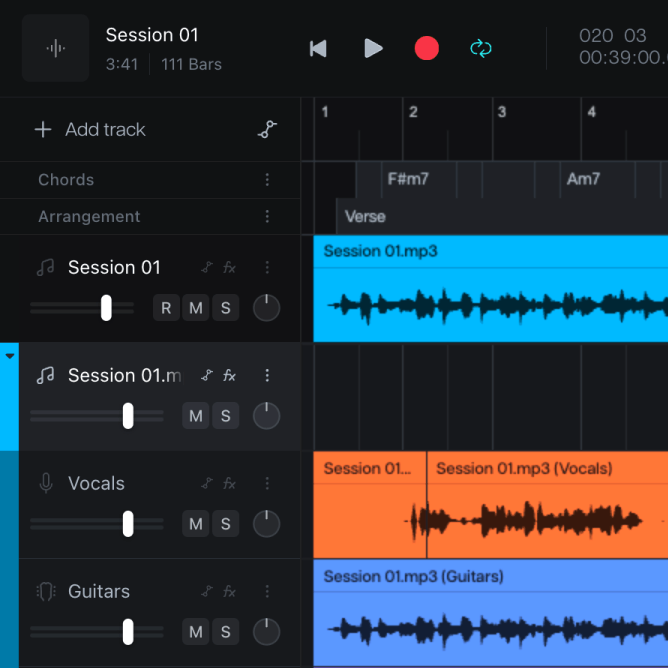
Deciphering chord arrangements and key changes using online tools or platforms is time-consuming and imprecise. Chord finder detects and displays chords instantly, accurately, and all in one location.
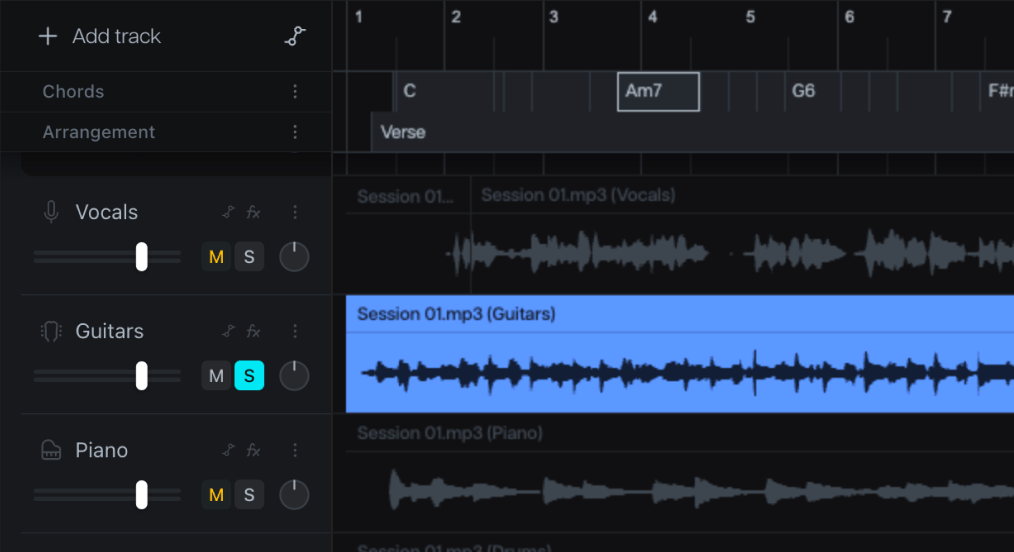
Whether you want to learn about notation, practice with precision, or create new arrangements, Moises’ AI chord finder detects, generates, and displays chords to any song in real-time.
Deciphering chord arrangements and key changes using online tools or platforms is time-consuming and imprecise. Chord finder detects and displays chords instantly, accurately, and all in one location.
Moises’ AI detects and displays easy to advanced chords in sync with any song, allowing you to play along to the songs you love and learn every transition and music part hands-free.
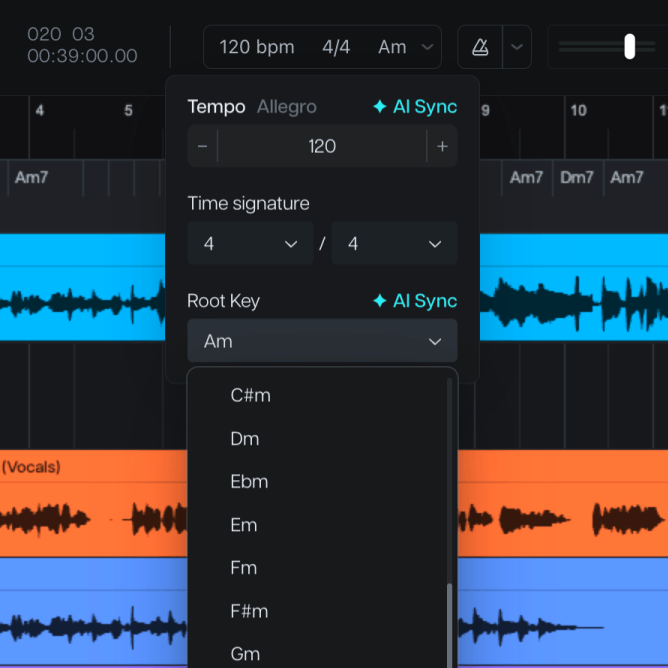
Using our Pitch Changer tool, you can instantly transpose chords to your key of choice. With one click, select the song's key and the chords will follow accordingly.
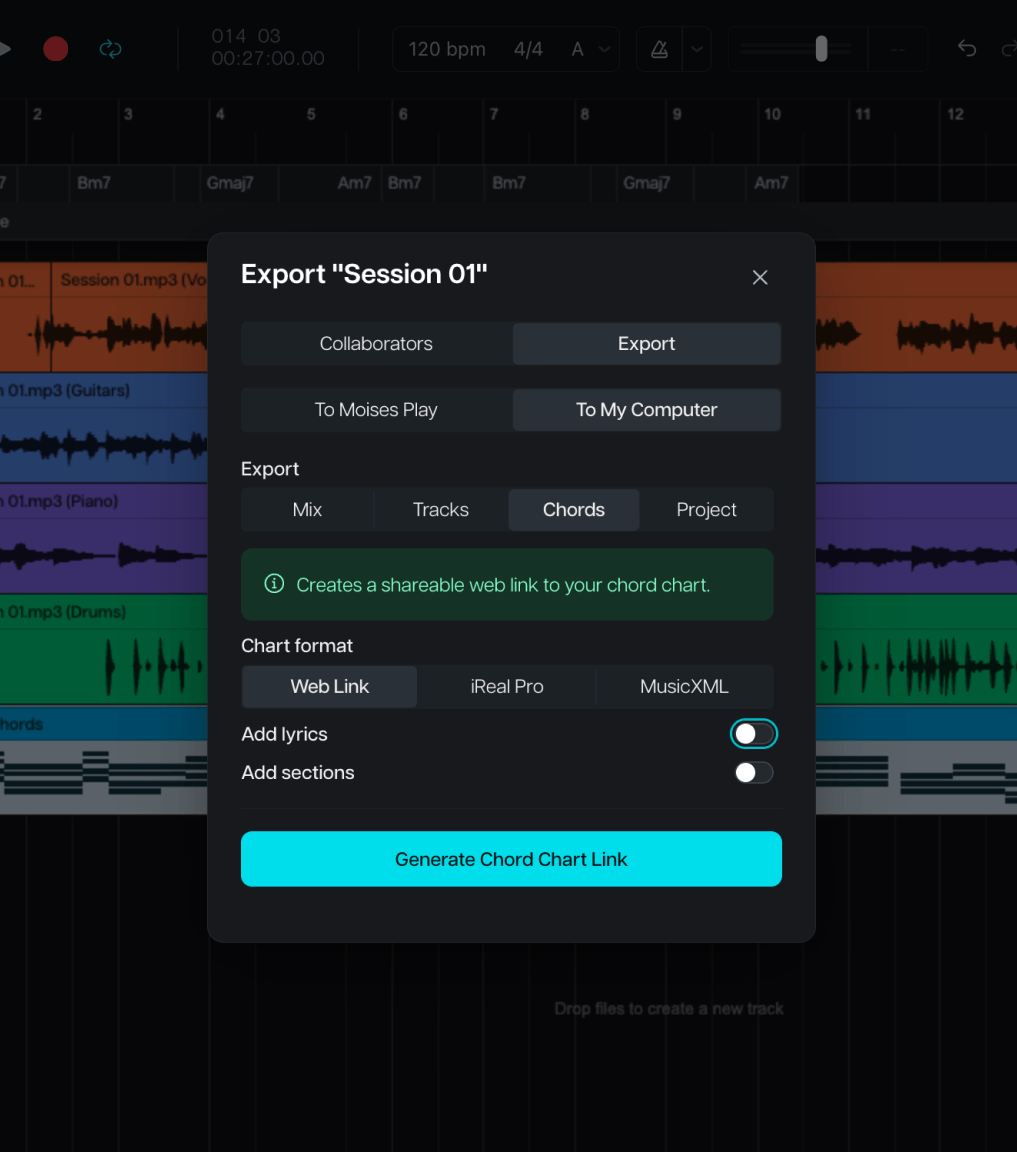
You can download individual tracks or an entire MP3 or WAV mix, among other formats. Share it and collaborate with your band!
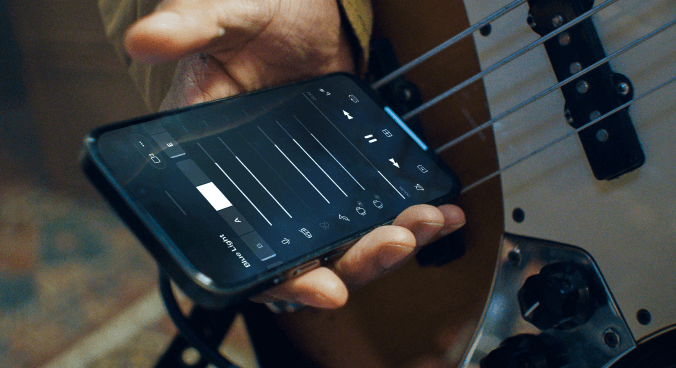
Say goodbye to jumping between Apps for your music practice. We have all you need to master your craft right in your hand with the Moises App. Enjoy our collective set of features that will make your music experience seamless. We're constantly evolving, innovating, and updating our App. Stay tuned!
Separate vocals, drums, guitar, bass, and other instruments from any song. Isolate instruments or mute tracks in one click.
Learn, control and change the music key with 1-click. Shift the pitch to meet your vocal range or to play in any key. Our Artificial Intelligence technology never stops improving in accuracy.
Slow down or speed up any song with one click. The App instantly detects and displays the BPM of any song.
Level up your practice with Chord Detection, powered by AI.
With no more worries about spotting chords, you can save time for your craft. Take advantage of our Chord Detection feature and just focus on playing!
Use our Pitch Changer to instantly transpose chords to your key of choice and stop the guesswork.
Use our Audio Speed Changer to slow down the music and learn chords at the perfect pace. Speed up and challenge yourself to sharpen your technique.
The Moises AI reveals the chord progressions from your favorite tunes. Play along with artists and songs you love and evolve your music skills!
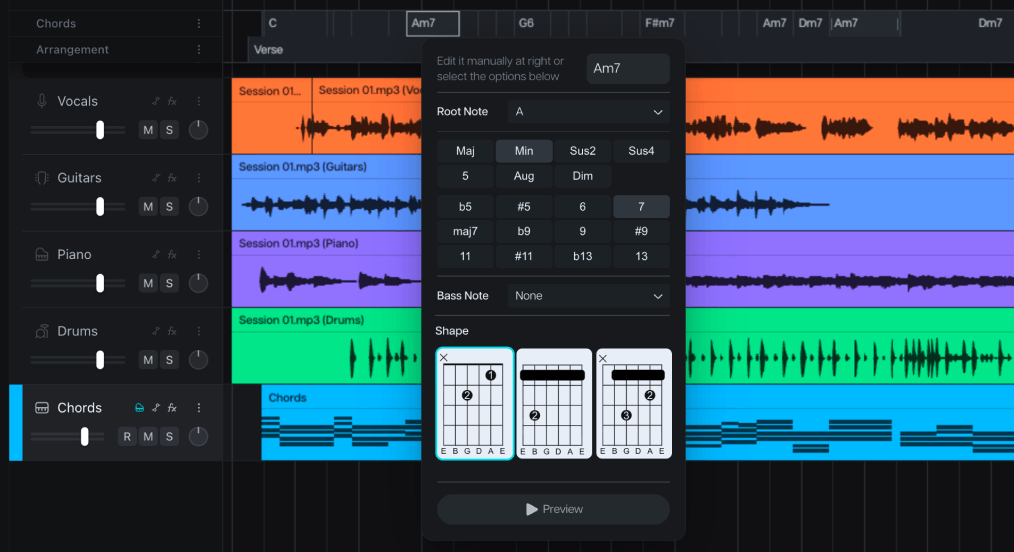
If you select the chords option, Moises will display guitar chord shapes along with lyrics as they appear in the song. This is perfect for guitarists hoping to play along with the music.
Yes, Moises displays all the notes in each chord.
Yes, Moises offers a Capo Mode that adjusts the displayed chord shapes based on your capo position. The song stays in its original key while showing simpler chord fingerings for your capo position.
Yes, you can upload any song from your device to Moises, and the chord detector will generate the chord progression.
This happens automatically when you upload a song to Moises. The chords will be displayed in the background as the song plays. To view the specific guitar shapes, you can click on the chords icon in the bottom right corner.
Most users find our chord detection is quite accurate, but it does occasionally make mistakes. That’s why you also have the option to manually edit chords so they appear correctly moving forward.
Yes, Moises includes a Key Detector that automatically identifies and displays the song’s key.
Yes, if you want to play a song in a different key, the Moises Pitch Adjuster works seamlessly with Chord Finder to transpose the song into any key.
Free users can use Chord Finder for the first minute of each song, while Premium and Pro subscribers have unlimited chord detection.