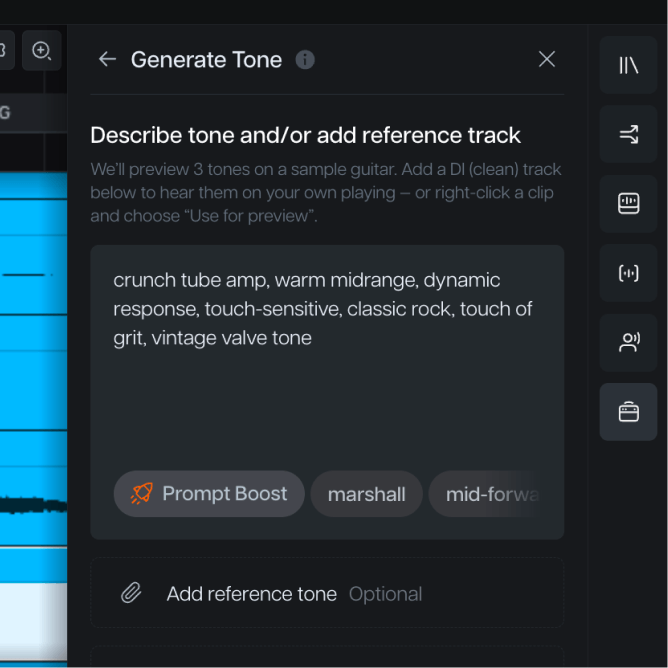
DESCRIBE
Type the tone.
Genre, feel, texture, era. Write the sound in your own words, and Moises builds an amp model that matches it. No cabinet simulator menus, no complex EQ curves.
Introducing Moises Studio: The simplest way to make music togetherIntroducing Moises Studio: The simplest way to make music together
ANY TONE, ANY TIME
Convert a recorded guitar track to a different sound without touching a note of the take. Describe the tone, match a reference, or import one you already have. The performance stays exactly as you played it.
How it works
Right-click any guitar track in Moises Studio and open Amp Modeler. Works on any recording — DI, mic'd recording, or a separated stem.
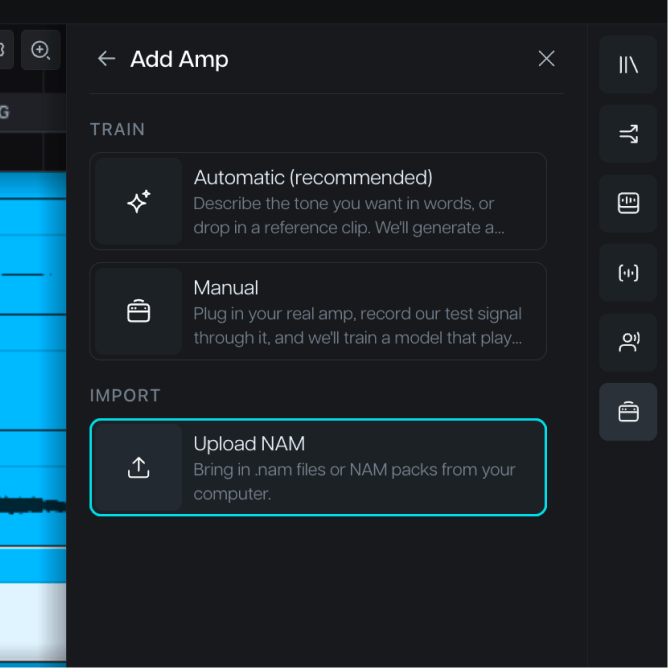
Describe it in plain words (“classic rock with warm mids”), attach a reference clip to match, or load a capture from Tone3000 or your own NAM files.
Moises previews 3 tones on your own playing. Pick the one that fits, and the full tone model trains and applies to your track. Your original take stays untouched.
Describe it, match it, or model the rig you already own.
Genre, feel, texture, era. Write the sound in your own words, and Moises builds an amp model that matches it. No cabinet simulator menus, no complex EQ curves.
Attach a reference — a song snippet, a production reference, your own playing — and Moises replicates that tone on your track.
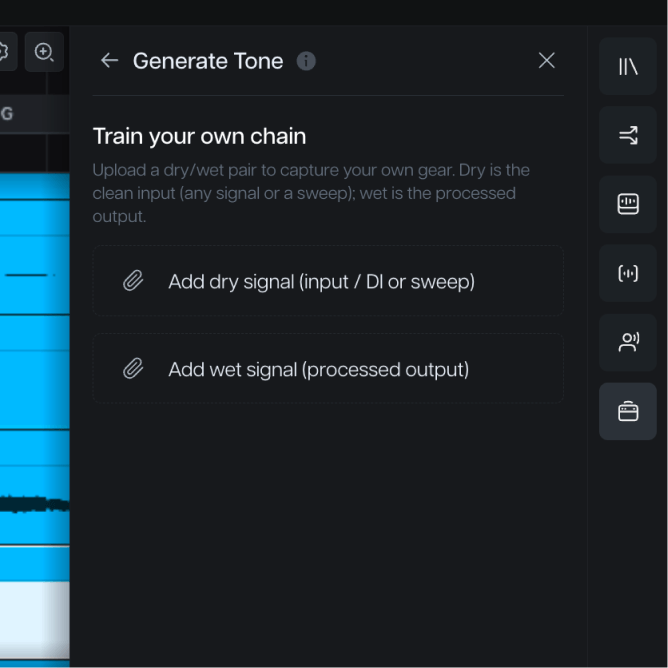
Feed it a dry signal and a wet one, and train a private model of your amp, pedals, or full chain in minutes. The amp model is yours.
Why Moises
The rig you had on tracking day doesn’t have to be how the record sounds. Put any tone, from any era, inside the performance you already have.
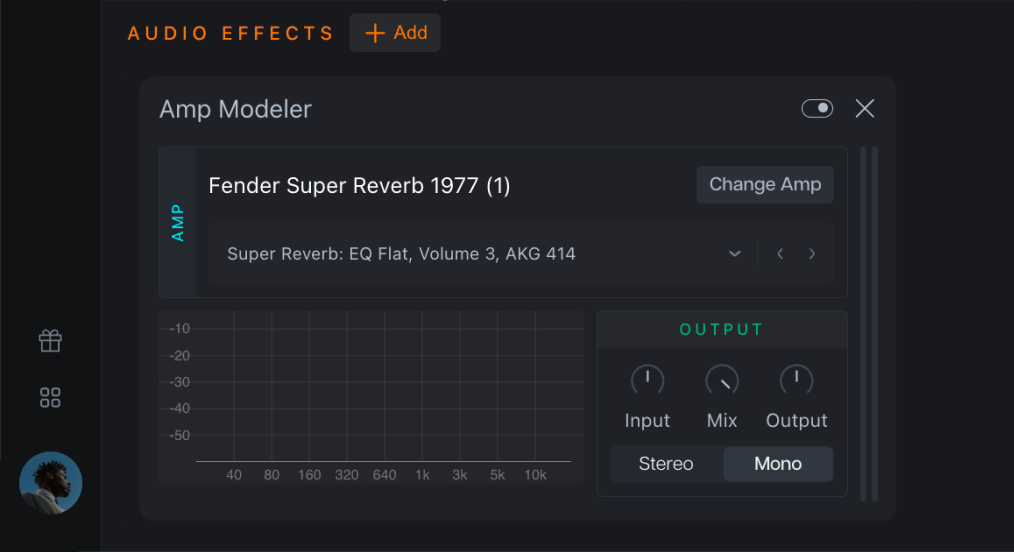
Audition 3 previews of the new tone on your own recording before applying the final model, so what you hear is what you'll get.
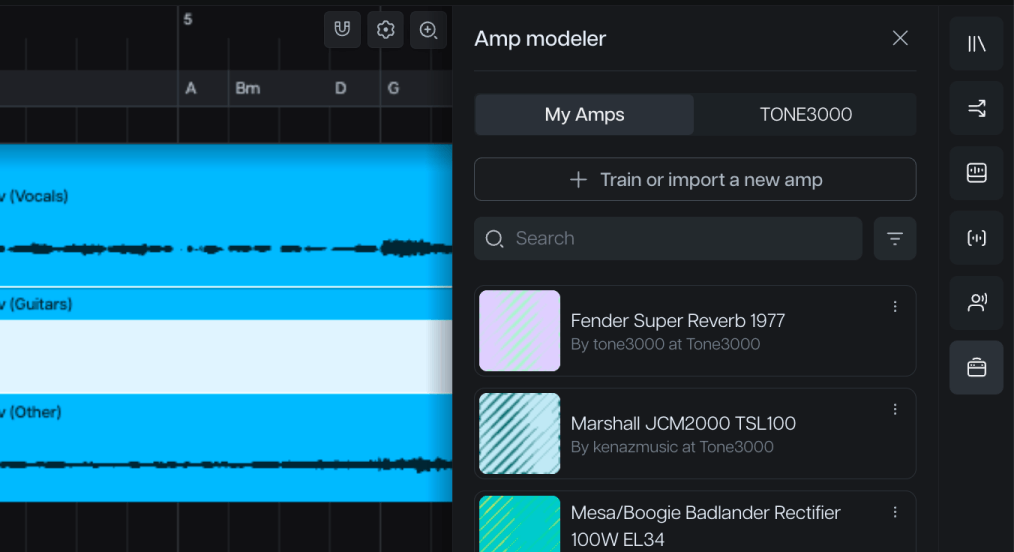
Amp Modeler works on a copy of your track. Compare, revert, or try a different tone whenever you want. Nothing overwrites the take.
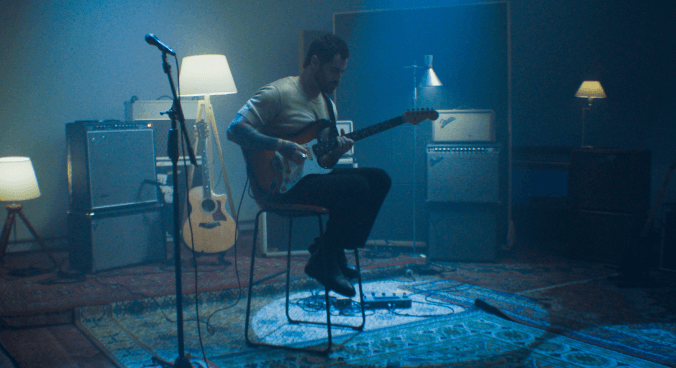
Locked into the performance but not the sound? Change the tone without booking another session or setting the rig back up.
Tone3000’s 350,000+ community captures and your own NAM files load straight into Amp Modeler, and you hear them on a finished recording.
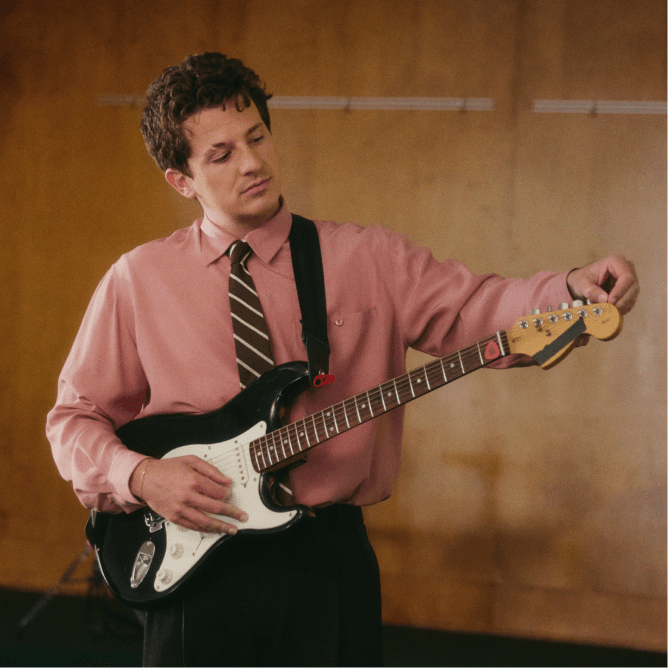
“I’ve been using Moises in my own creative process for years. It’s here to help artists learn, explore, and bring their ideas to life.”

“It's a product that I've waited for my whole life. It would have made my life a lot easier if Moises had been around for 15, 10 years.”

“I find myself using Moises in creative ways, generating stems and making bass parts, while I'm trying to write a song in its infant stage.”
No, Amp Modeler is not a traditional amp simulator. It does not apply the tone to a guitar as you play it like a real amp. Instead, it allows you to adjust the tone of an existing recording.
Amp Modeler is a feature for Moises Studio. It is not available in Moises Play. That means you can use this feature on Desktop or in the browser. It is not available on any mobile devices.
Tone3000 is the world's largest open-source platform for music creators to share and discover Neural Amp Modeler (NAM) captures. It gives guitarists access to a massive library of community-created digital profiles of real-world amplifiers, effects pedals, cabinets, and outboard gear. Instead of tracking down physical equipment or purchasing third-party plugins, creators can tap into this library to find the exact tone they're looking for. Moises Studio integrates with Tone3000 to give you access to a huge selection of tones inside the Amp Modeler feature.