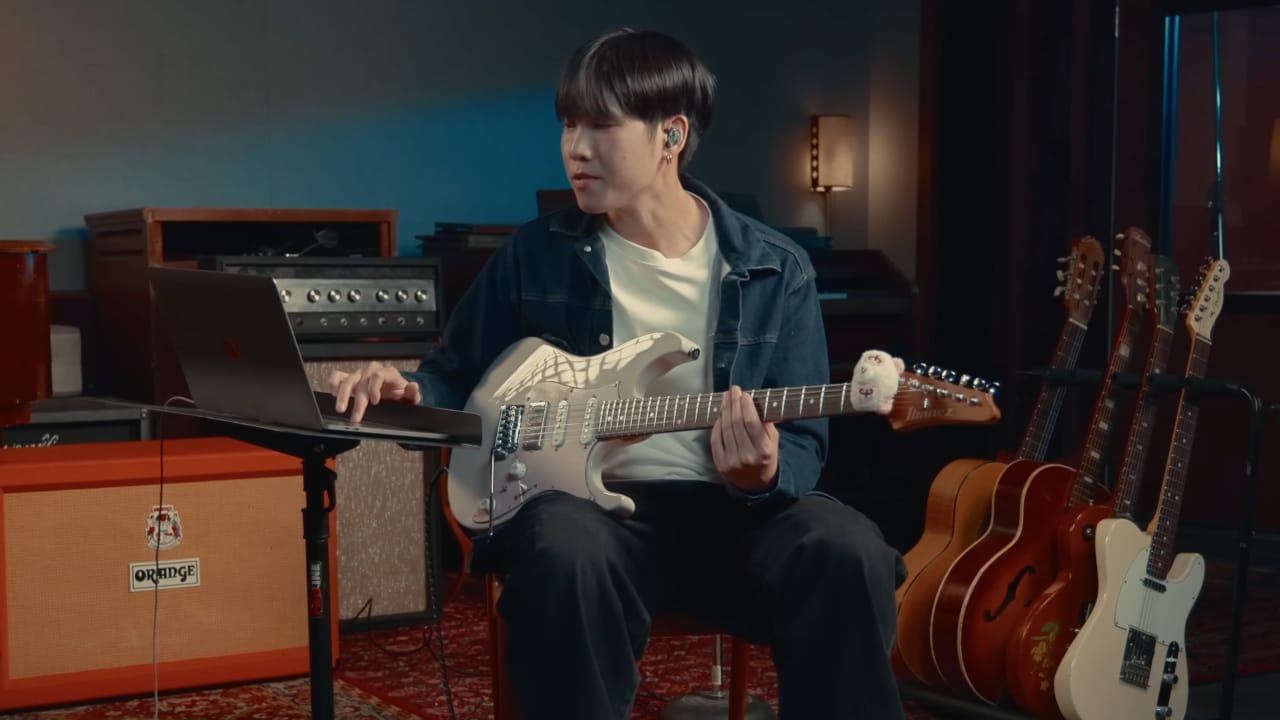
Two guitars, one part to learn
I already had the track loaded up and jumped straight to the solo section, and right away I noticed I was actually listening to two guitars at once, a lead guitar carrying the solo and a rhythm guitar comping underneath it. That's how most guitar parts actually work on a record, but when you're trying to learn just one of them, hearing two guitar lines tangled together makes it a lot harder to tell where one stops and the other starts. Today I specifically wanted to know what the lead guitar was doing, so that's the one I isolated first.
Isolate the lead and let the chords do some of the work
I separated the track into each instrument, drums, bass, rhythm guitar, lead guitar, and pulled the lead out on its own so I could just sit with it and vibe to the track the way I normally would. While I was listening, the app was detecting the chords in real time and showing me exactly what was happening with the harmony in the corner of the screen, so I wasn't just hearing the notes, I actually knew what I was hearing them over.
Slow it down without losing the tone
The first thing I do once a part is isolated is slow it down. If you can play something slow, you can play it fast, that's just how it works. The track sits at around 128 to 130 BPM, and I wanted something close to 75 percent of that, so I used the tempo control to bring it down to 100 BPM.
Other tools I've used to slow tracks down tend to introduce artifacts or pitch modulation that I don't like, but in Moises the slowed-down track stayed clean, no weird warble and no lost detail, with the pitch locked right where it should be. The song even took on a different groove at that slower tempo, and at that speed I could finally hear every single note the lead and rhythm guitar were actually playing.
Let Sections do the timestamping for you
In Moises, there's a feature called Sections, sitting in the bottom right corner, and once you click it the app analyzes the track and tells you exactly where the intro, verse, chorus, and instrumental solo are. Normally, learning a song means re-listening two or three times just to write down where every part starts, minute one is the verse, minute two is the chorus, and that alone eats up a lot of practice time. Sections does that automatically, so I looped the instrumental solo with one click and got straight to practicing instead of note-taking.
Turn on the count-in, especially for pickup lines
One feature I really love here is the Count-in, the little one-two-three-four icon in the top right. Turn it on and every time you loop a section, it gives you a four count in whatever tempo you've set before playback starts. It's especially useful when a phrase starts right on the pickup, the beat just before the downbeat, since instead of hitting play and scrambling to catch that pickup line, I get a clean four count and come in exactly on time.
Practice at every speed until you're confident
With everything set up, I worked out the lead line at 100 BPM first, then played it back with the rest of the band to see if I actually had it. Once I kind of had that line down, I isolated the rhythm guitar the same way and let the chords tell me what it was playing, E minor, B minor, A minor. From there I moved the tempo up in stages instead of jumping straight back to full speed, from 100 up to somewhere in between, around 115 to 117, and only once that felt solid did I bring it all the way back up to 130, the same tempo as the original track.
Two ways to put yourself to the test
Once I was confident at full tempo, I put myself to the test two different ways. First I muted the rhythm guitar and left everything else playing, so I had to supply the rhythm part myself while the rest of the band, including the recorded lead guitar, carried on around me.
Then I flipped it, muting the lead guitar instead, and because there was no lead line left to follow, I actually got to improvise a little over the rhythm guitar and the band instead of just replaying what was on the record. That's the part I like most, one mute turns it into a transcription exercise, and the other turns it into an actual solo.
Isolate any part you're stuck on
That's how I isolate guitar parts from any song I'm working on, and it works whether you're locking in a rhythm part note for note or using the isolated track as a launchpad to improvise your own. So the next time you're feeling stuck on a guitar part, don't just loop the whole mix and wait for it to come together. Pull it apart instead.
Download Moises now. Try Moises free!