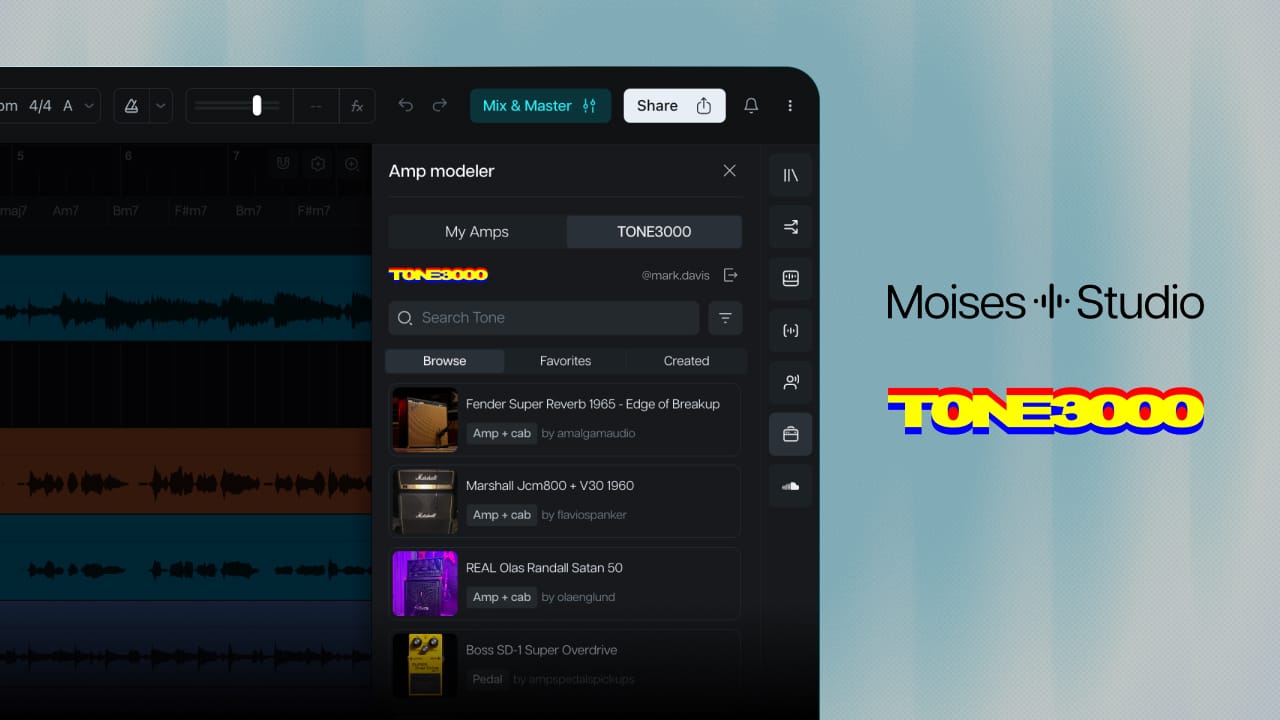
Moises has partnered with TONE3000, the community behind the largest open library of Neural Amp Modeler captures and impulse responses. Their captures are models of real analog gear, made by the players who own it, shared with anyone who wants to play through it.
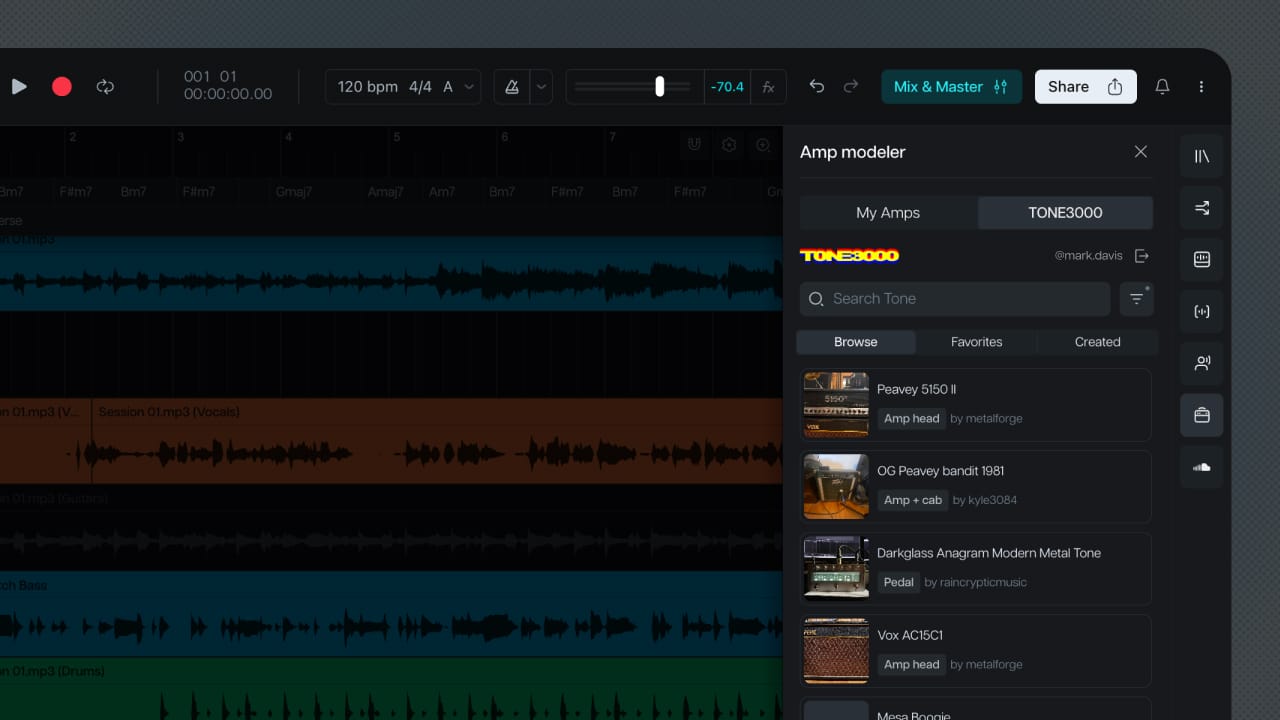
That library is now part of Amp Modeler in Moises Studio. Sign in to your TONE3000 account from the effect and your tones are on the track, in the project, with the song you're working on open around them.
The tones come with you
If you've spent time on TONE3000, you've built a list. The AC30 that sits right in a mix. The Super Reverb you go to for cleans. The JCM2000 that shows up whenever a part needs teeth. Getting to them has meant opening a DAW, loading a plugin, and finding them again.
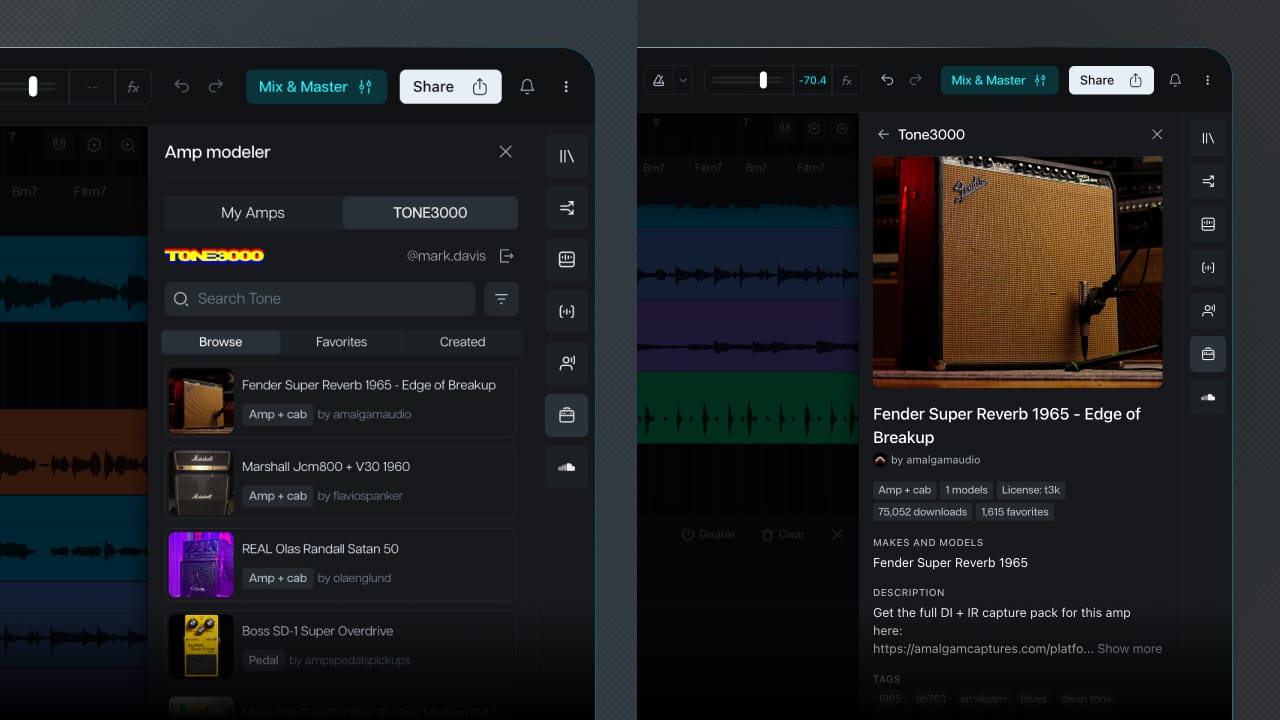
In Moises Studio, that list is part of the project. Add Amp Modeler to a track, sign in to TONE3000, and your captures are in the panel alongside anything you've made yourself. Pick one, play through it, keep going. Files you've collected elsewhere come in the same way, straight from a .nam.
Your tones stay where they are. Still yours, still on TONE3000, still working everywhere else you use them. What's different here is the song around them: parts already separated, tempo already set, the rest of the band on the timeline while you play.
The song's already in the project
Most of what decides a tone is what's playing around it. A capture that sounds huge on its own gets buried the moment the drums come in.
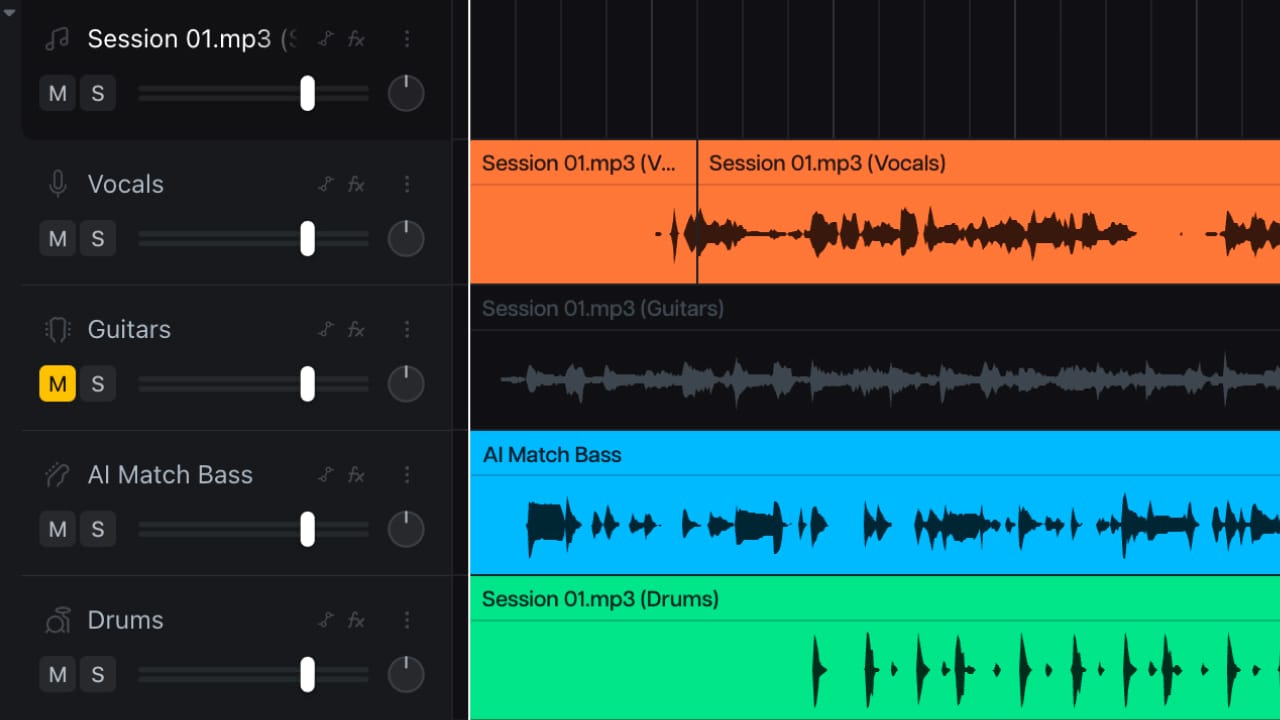
In Moises Studio the song is already there. Bring in the track you're learning or writing against, separate it into parts, and mute the guitar. Now you're playing through your capture with the drums, bass, and vocal in your ears, on the timeline, in the same project.
The take stays where you played it. Tempo, chords, the parts you separated, and the tone you used all live in the project, so picking it up tomorrow doesn't mean setting it up again. Send someone the link and they're in the same session, hearing what you heard.
The tone that nobody's captured
The library covers a lot of ground. Most of the time the amp you're chasing is already in there, captured by someone who owns one.
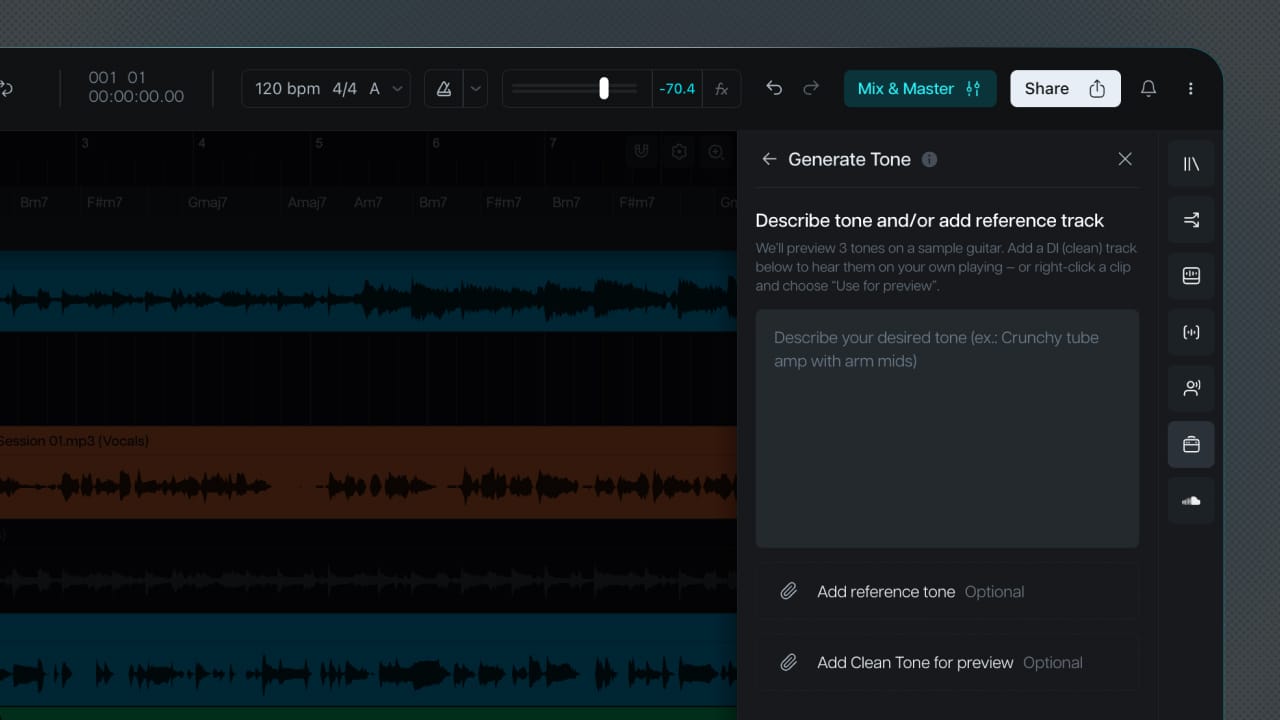
Some days it isn't. The tone is in your head, or it's on a record, and nobody has put the rig that made it in front of a microphone.
Amp Modeler builds one. Describe what you're after in a sentence, or drop in a clip with the sound on it, and you get a working model back in 5 to 10 minutes. It shows up in your amp list with everything else, and you play through it the same way.
What you make is yours. It stays in your account, private, unless you decide otherwise.
The amp in your room
If you've ever tracked a DI alongside a mic'd cabinet, you already have what a capture needs. Two versions of the same performance, one dry and one through the rig.
Hand both to Amp Modeler and it builds a model of that signal path. The amp, the pedals in front of it, the room, whatever was in the chain when you played. After that the sound is on a track instead of in a room, and you play through it at any hour without moving a microphone.
Made something worth sharing? That's what the TONE3000 library is for.
Plug in
Your tones, the song, and the take, in one place. Open a session, add Amp Modeler to a track, and sign in.