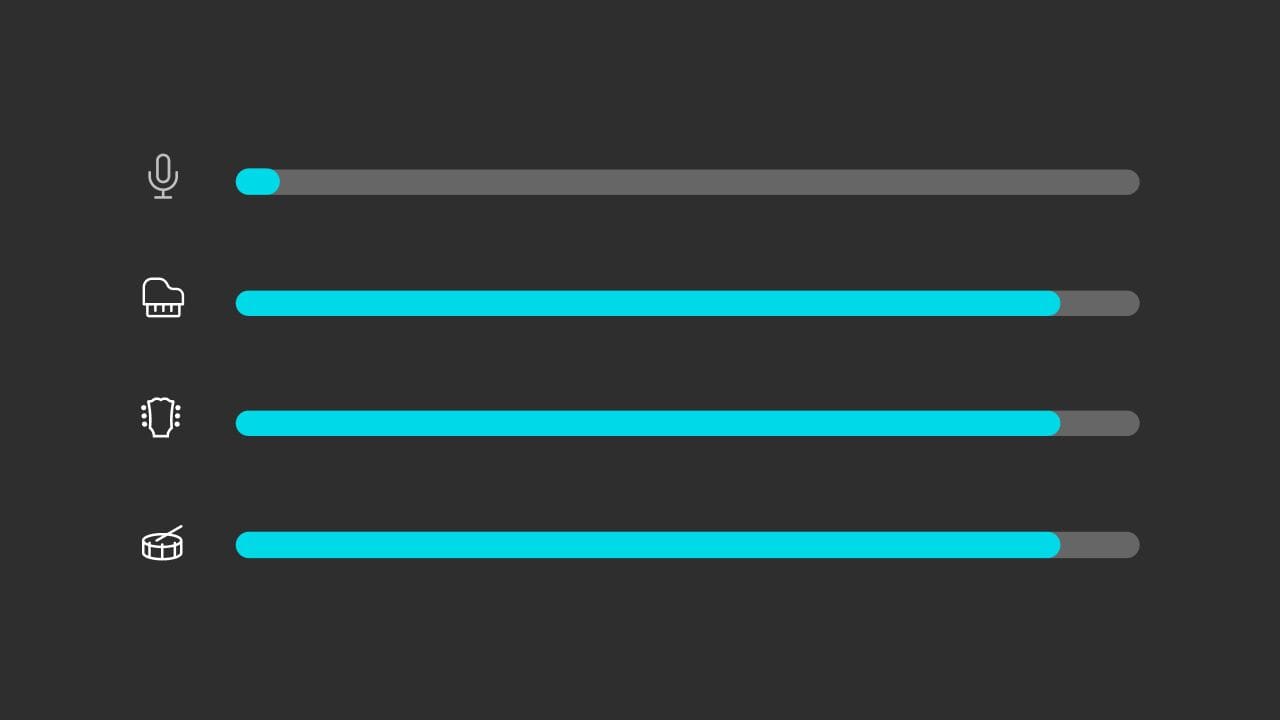
Unless a song is widely known it can be very difficult to find an instrumental version for things like karaoke, practicing singing or playing along with, or even having just to enjoy listening to the instruments.
Sometimes if you want something, you just have to do it yourself, and now you need not look any further than Moises! Moises uses innovative and ever-evolving AI technology that easily removes vocals and can make instrumental tracks from the songs you love. You can use this instrumental maker on both our Mobile and Web App!
Follow these steps below to create an instrumental of any song for any purpose and easily learn how to make an instrumental of a song.
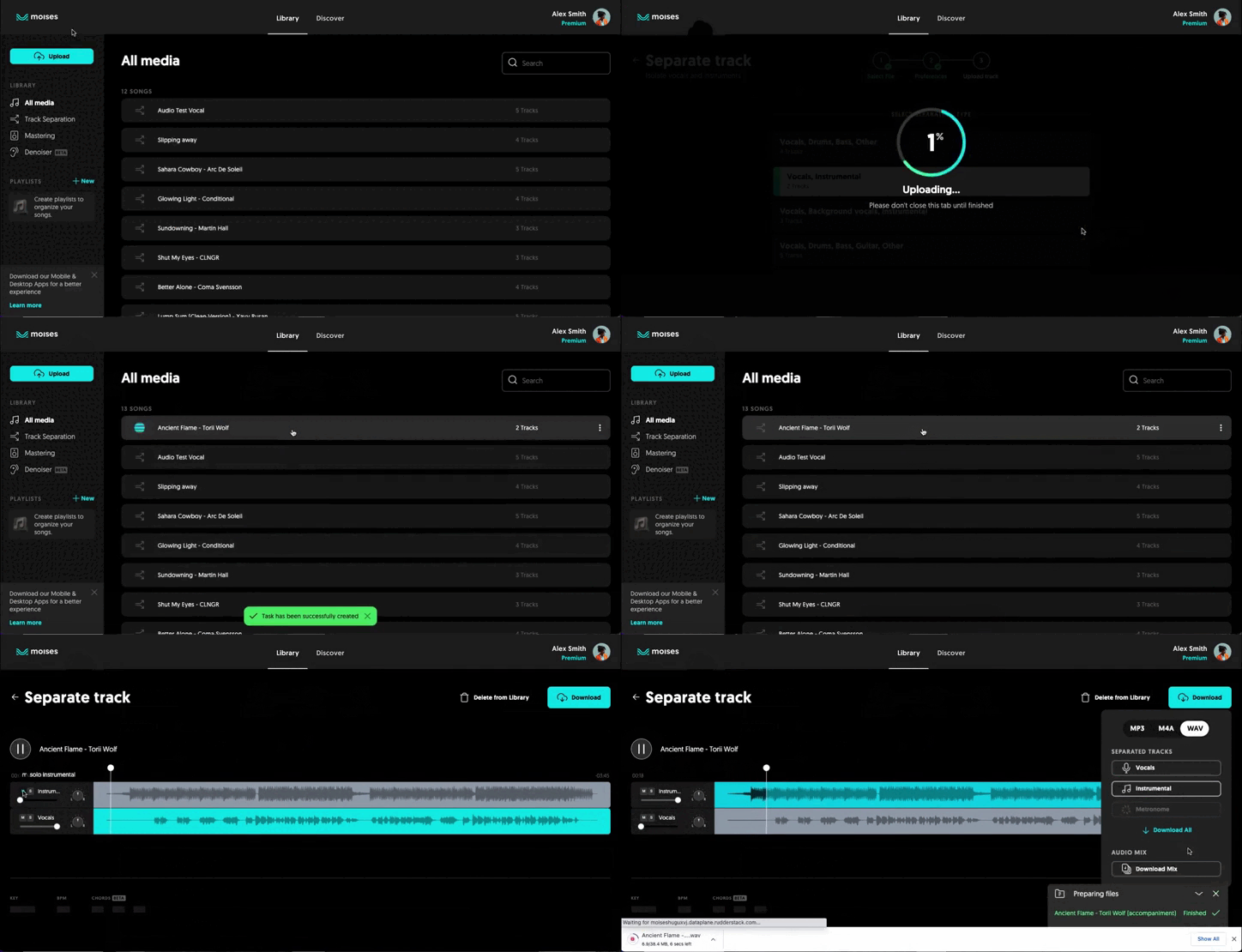
Step by Step on How to Make an Instrumental of a Song in the Web App
Step 1:
- Open Moises.ai in your browser.
- Click Log In or Sign Up if you’re new here!
- Once signed in, click the upload button.
- Then choose track separation. You can upload any song from your library or from any public URL. Multiple Audio and Video formats are supported.
- Select the separation type and click next.
Step 2:
- Wait for the song to upload & process, and voilà!
- Remix and edit your audio as you please. You're able to manipulate individual tracks as you wish, controlling the volumes, or muting vocals and instruments with 1 click.
- As a bonus, Moises will also tell you the song key, bpm, and chords!
Step 3:
- Once you’re done editing, click download. You can download individual tracks or an entire MP3 or WAV mix, among other formats.
- Click the file type (mp3, wav, m4a) and separated tracks you want (or the entire mix), and you’re done! Your file will begin downloading and you have just learned how to make an instrumental of a song.
Step by Step on How to Make an Instrumental of a Song in the Mobile App
Step 1:
- Open Moises App on your mobile device.
- Once signed in, click the + button. You can upload any song from your library or from any public URL. Multiple Audio and Video formats are supported.
- Then select the separation type and click submit.
Step 2:
- Wait for the song to upload & process, and voilà!
- Remix and edit your audio as you please. You're able to manipulate individual tracks as you wish, controlling the volumes, or muting vocals and instruments with 1 click.
- As a bonus, Moises will also tell you the song key, bpm, and chords!
Step 3:
- Once you’re done editing, click Export.
- You can download separated tracks or an entire MP3 or M4A mix. Your file will begin downloading and you have just learned how to make an instrumental of a song.