
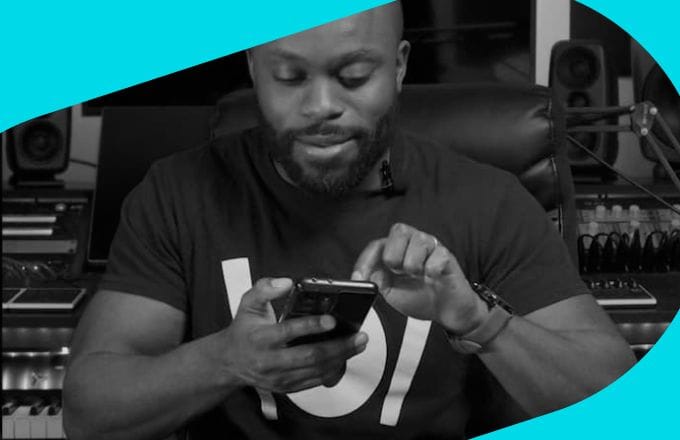
Paul McKay
Vocal coach and performer. Founder of OneVoice Music Academy, blending classical and contemporary techniques.
MADE FOR SINGERS
Singer / YouTuber
Vocal coach and performer. Founder of OneVoice Music Academy, blending classical and contemporary techniques.
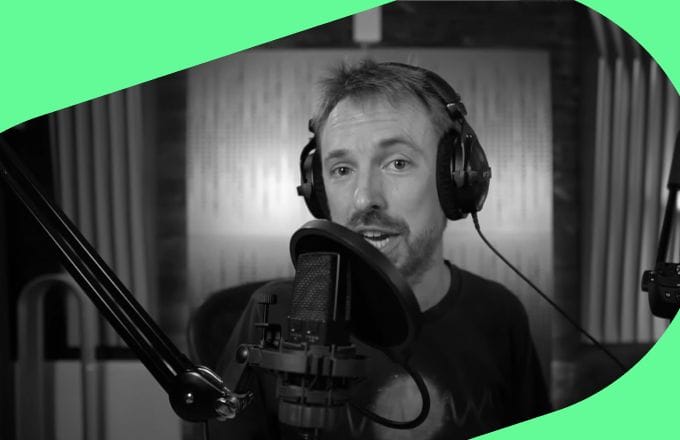
Audio producer and sound designer. Founder of Music Radio Creative, a global audio branding agency.

Vocal coach and content creator known for breaking down singing techniques for aspiring vocalists.
The Musician's App
Mute the original lead vocal, keep the band, and make a mix that fits your voice. Change key and tempo, follow lyrics as the song plays, and stay focused on the performance.
Moises brings lyrics, backing tracks, and recording into one synchronized space. Build your mix, rehearse your part, and capture content for social media. Stay in one workflow from first run to final take.

Moises, the Musician’s App, was recognized in several countries as the Best App of 2021 for Personal Growth by Google Play. This category carries a powerful meaning as it embodies our core mission to “Empower Creative Potential”.
Build a mix that supports your voice. Practice with clarity, then record with confidence.
Mute the lead vocal, keep the band where you need it, and save a mix you can return to. A quick way to rehearse and stay confident through the whole song.
Record over your custom mix with audio and video in sync, adjusting latency when needed. Export and post straight from the Moises app when the performance feels right.
Follow the lyrics in real time and loop the exact phrase you’re working on. Slow the track without changing pitch and turn the metronome on to clean up diction and timing. Add a count-in when you want tighter starts.
Separate lead and backing vocals, then solo each line to catch intervals and timing. Practice your part against the original vocal arrangement, then mute it and sing the harmony on your own.
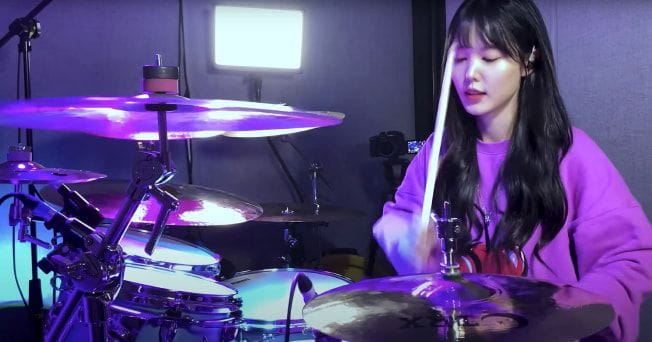
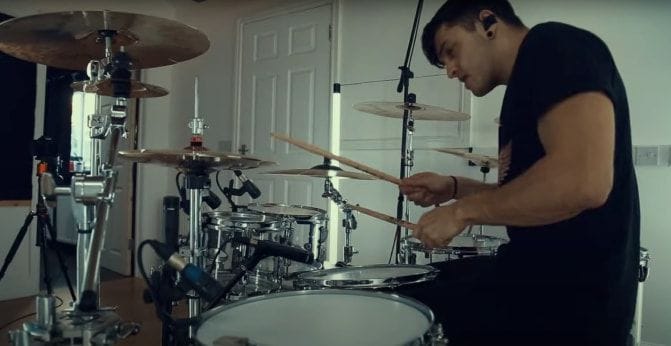
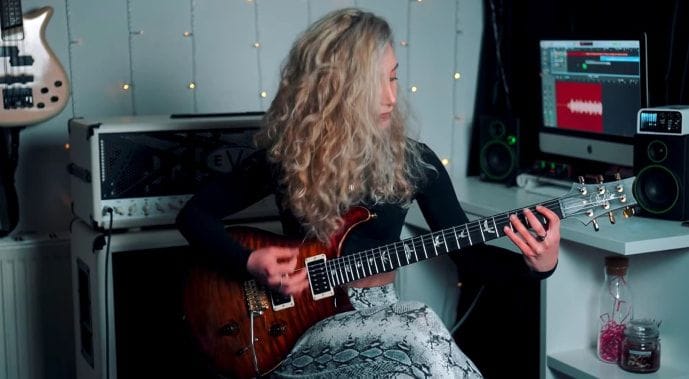
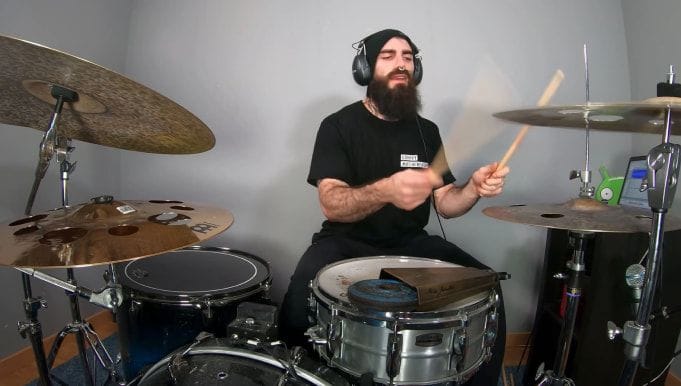

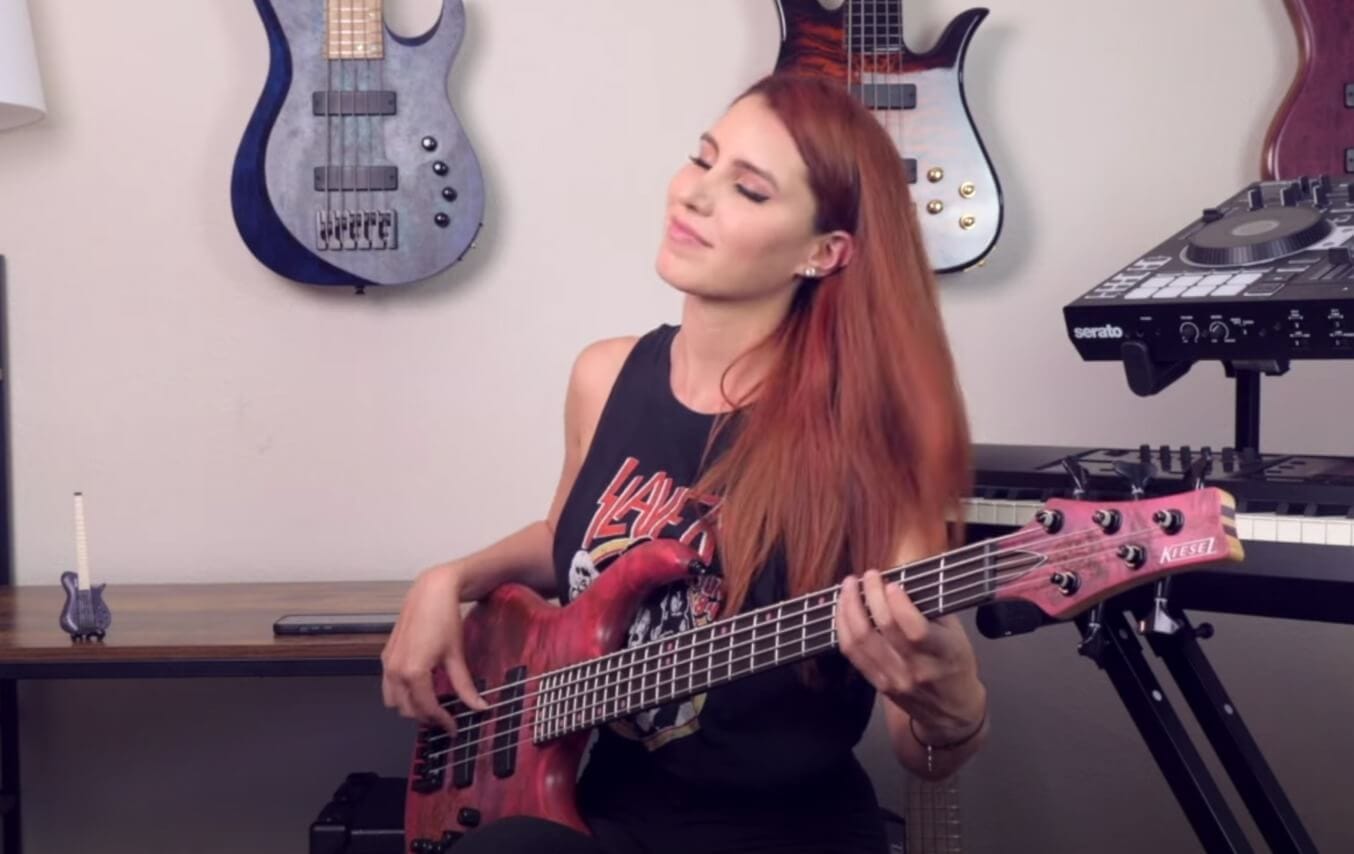
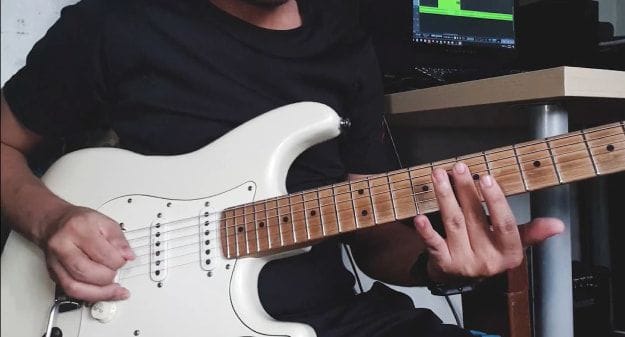

With the Moises App, removing vocals from a song is super easy! Just upload your song from your library, public URL, or a video. Then, simply click to separate vocals and instruments into 2, 4, or 5 tracks. For example you can create a karaoke version by removing vocals, or get an acapella extraction.
With the Moises App, removing vocals from the instrumental tracks is super easy! Just upload any song from your library, any public URL, or videos. Then, simply click to separate the vocals and instruments into 2 tracks and mute the vocal track to make a karaoke version, A.K.A. removing vocals.
The Moises AI isolates instruments in up to 5 different tracks when you upload a song—one of them is for vocals. To isolate the vocals, just mute the volume of all the other instrumental tracks.